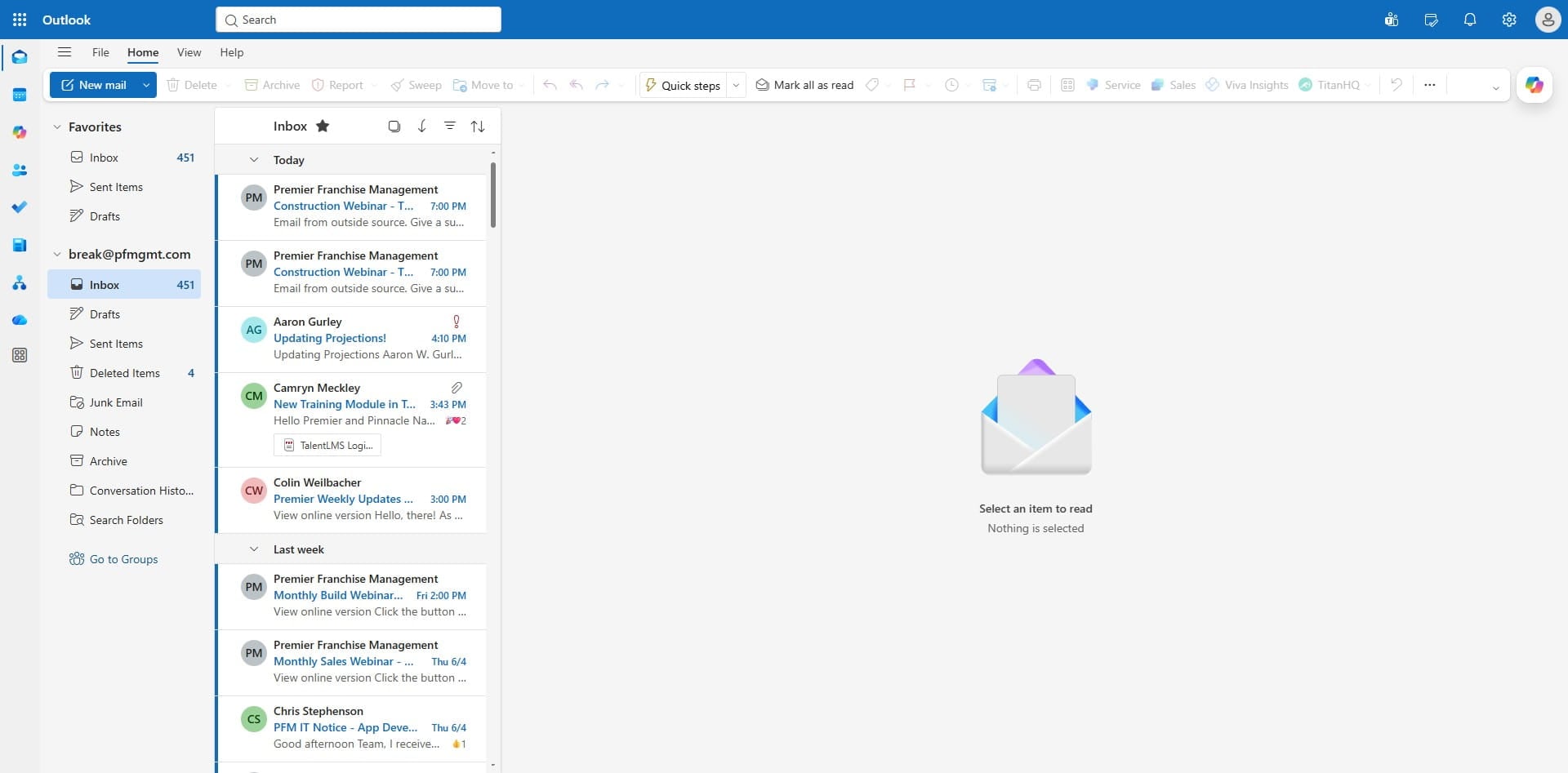


First Time Login and MFA Registration

Last updated: Aug 31, 2026
1797
views


First Time Sign in and MFA
2
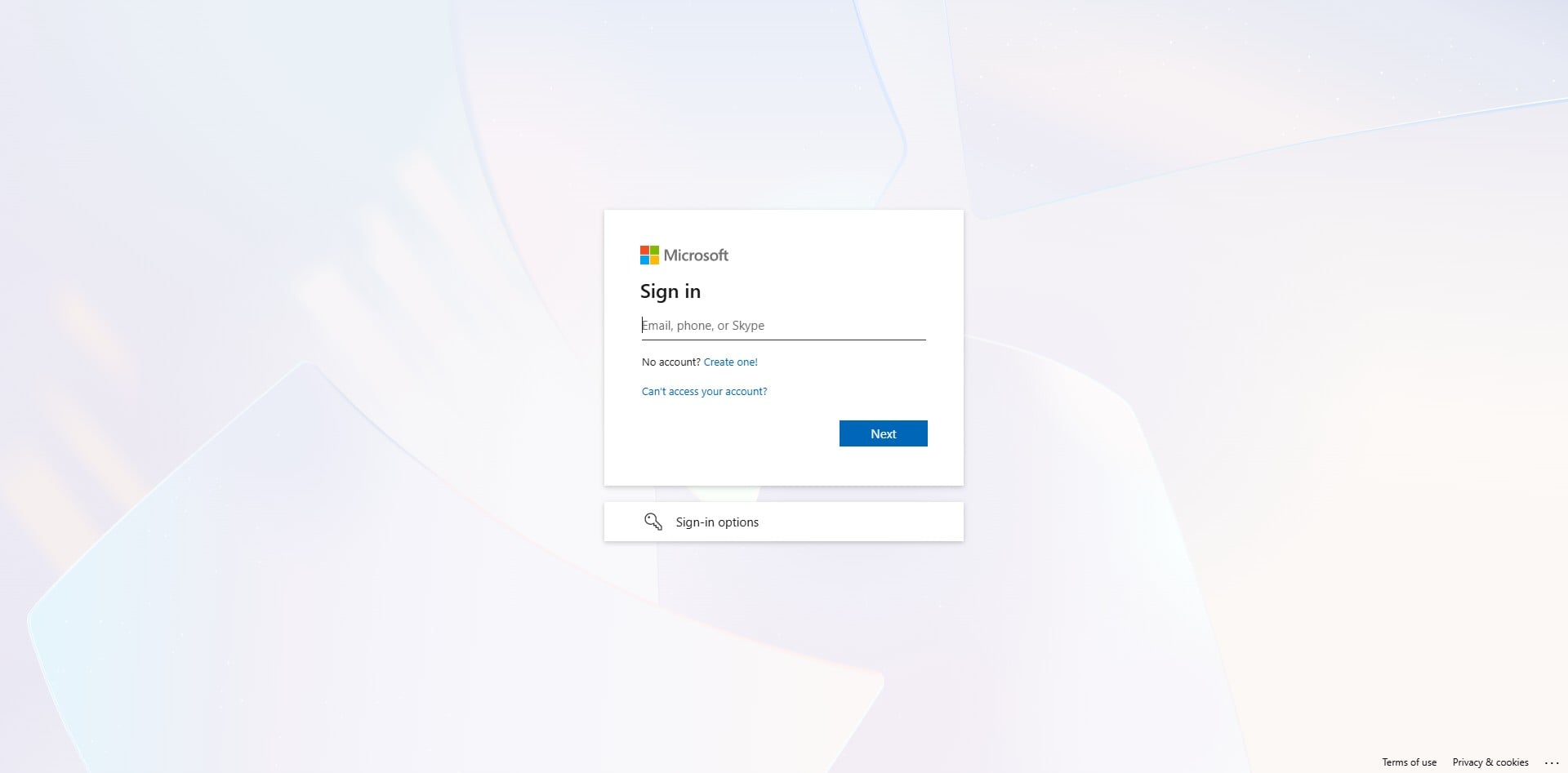
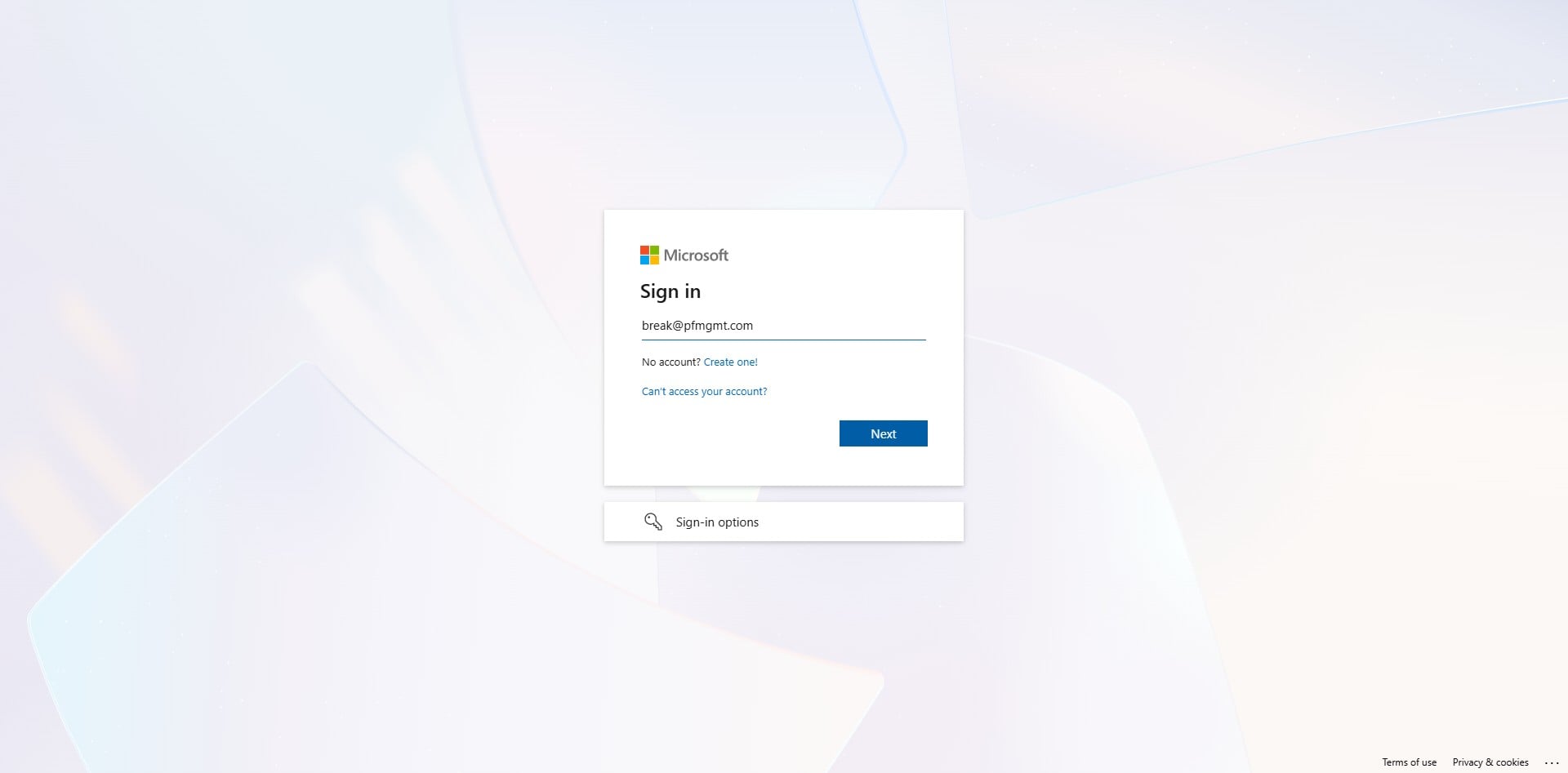
Click in the empty line and enter your email address.
3
Click Next
4
Click in the empty line, enter your password, and click Next.

5
Click Next

6
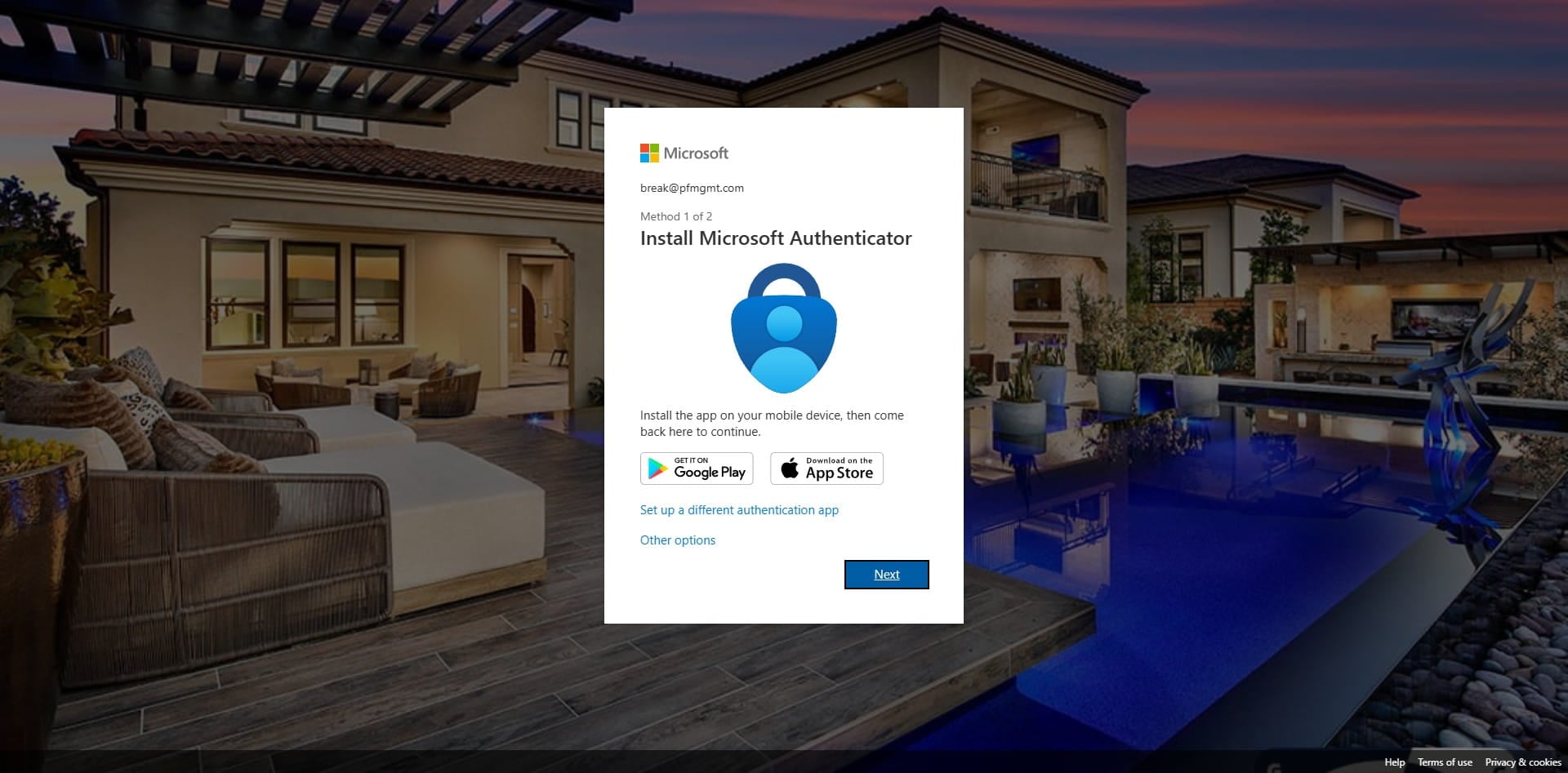
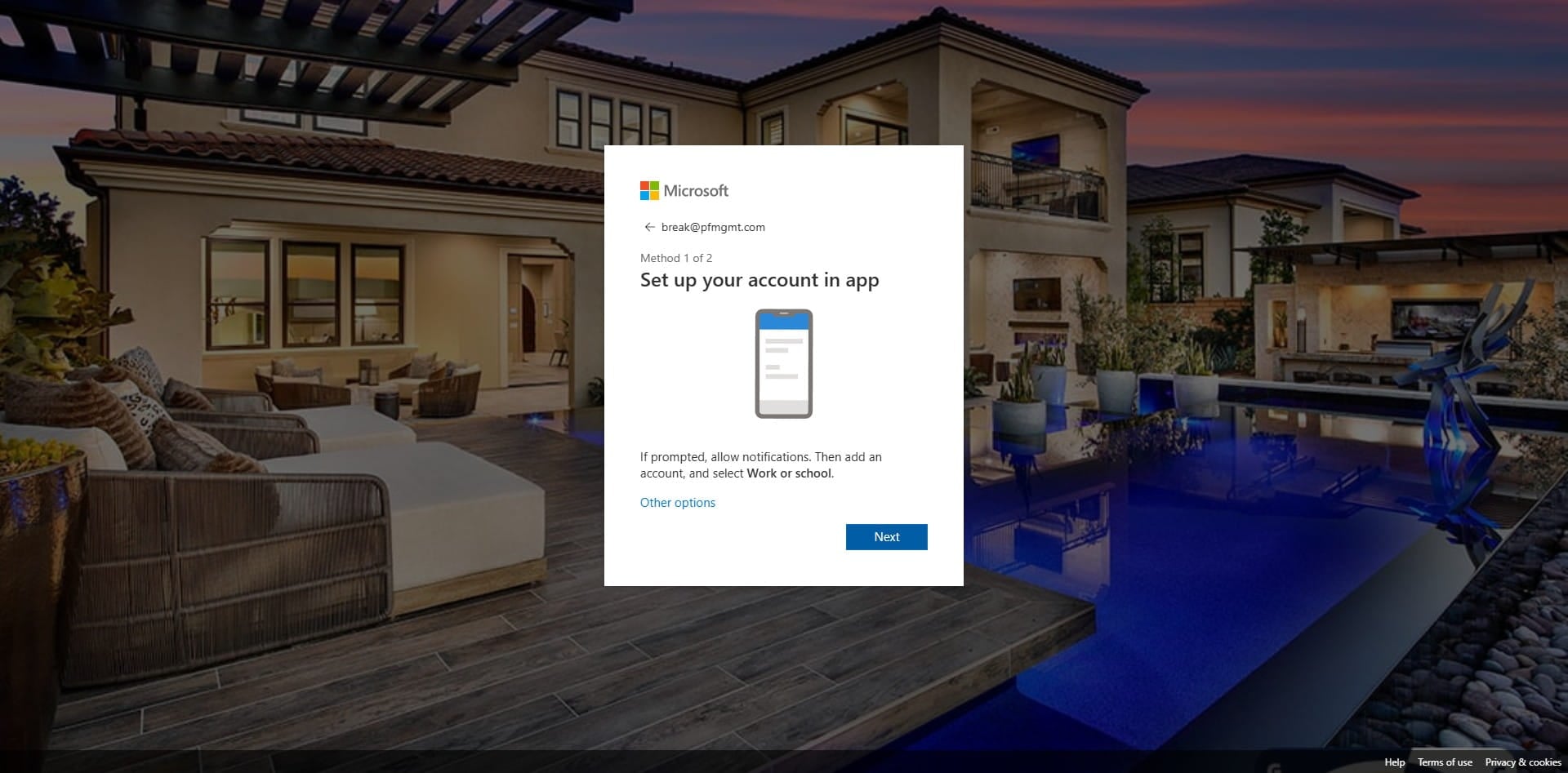
Download the Microsoft Authenticator on your cellphone, then click Next on the computer screen.
7
Click on "Next"
8
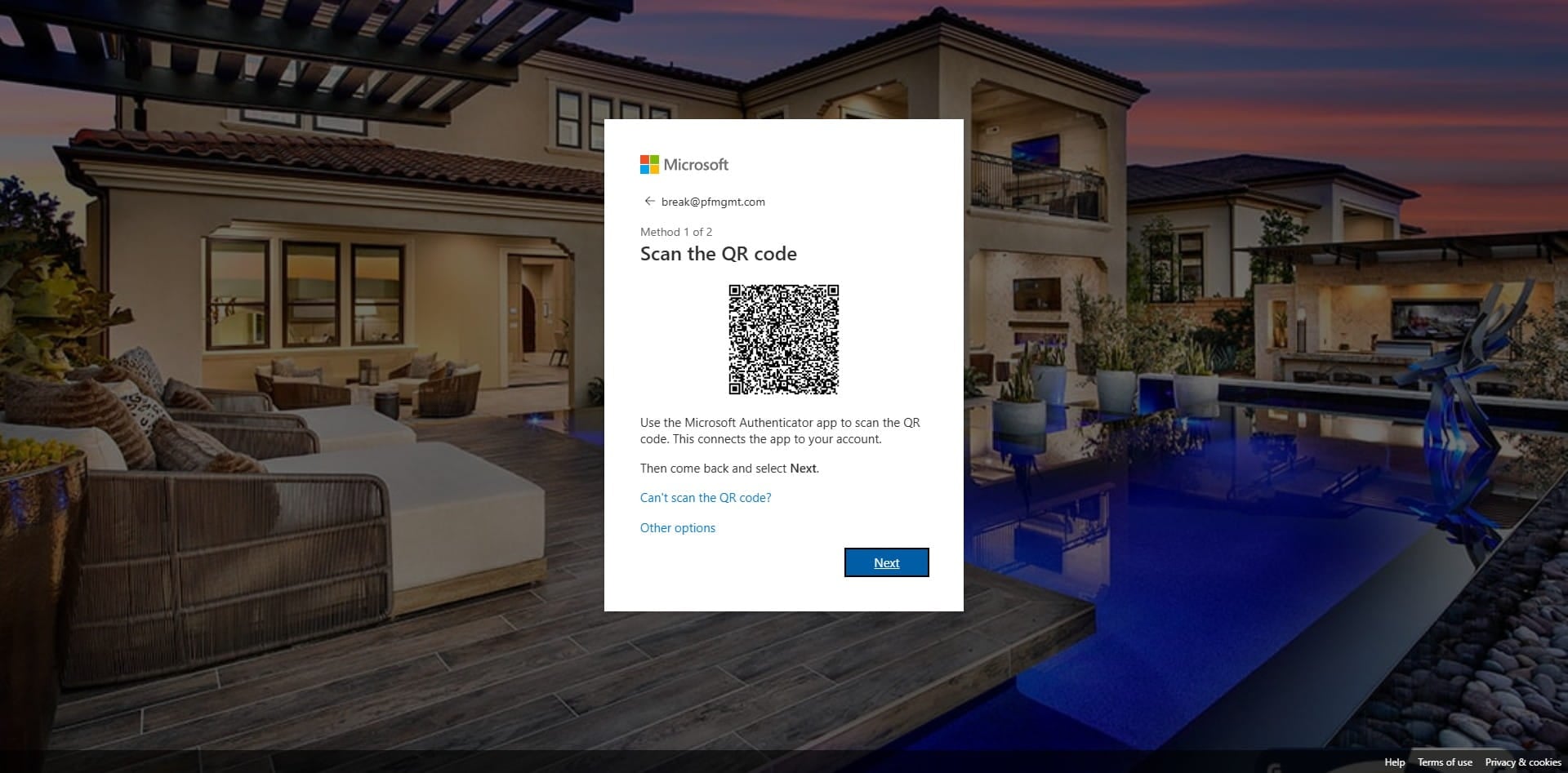
Click on "Next"
9
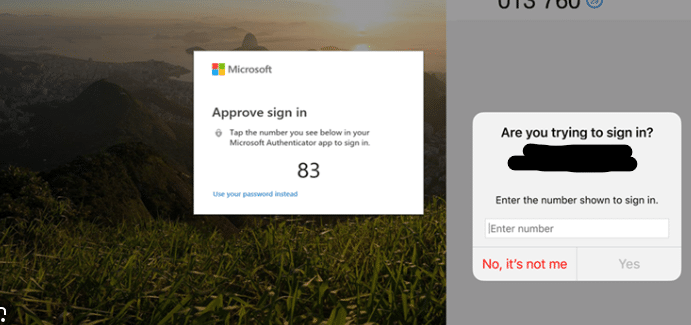
Enter the number displayed on the computer screen into your notification on your phone.
10
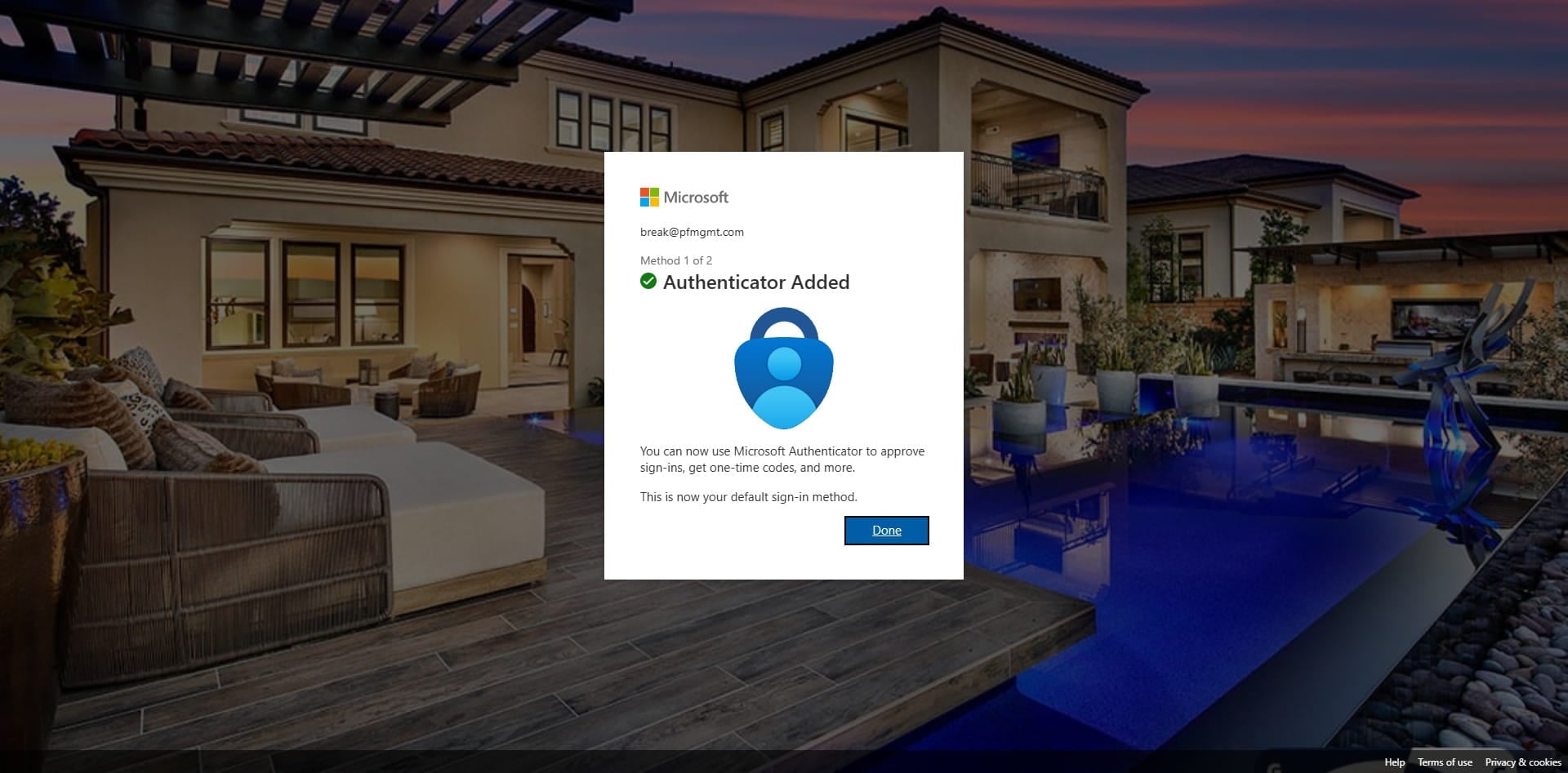
Click on "Done"
11
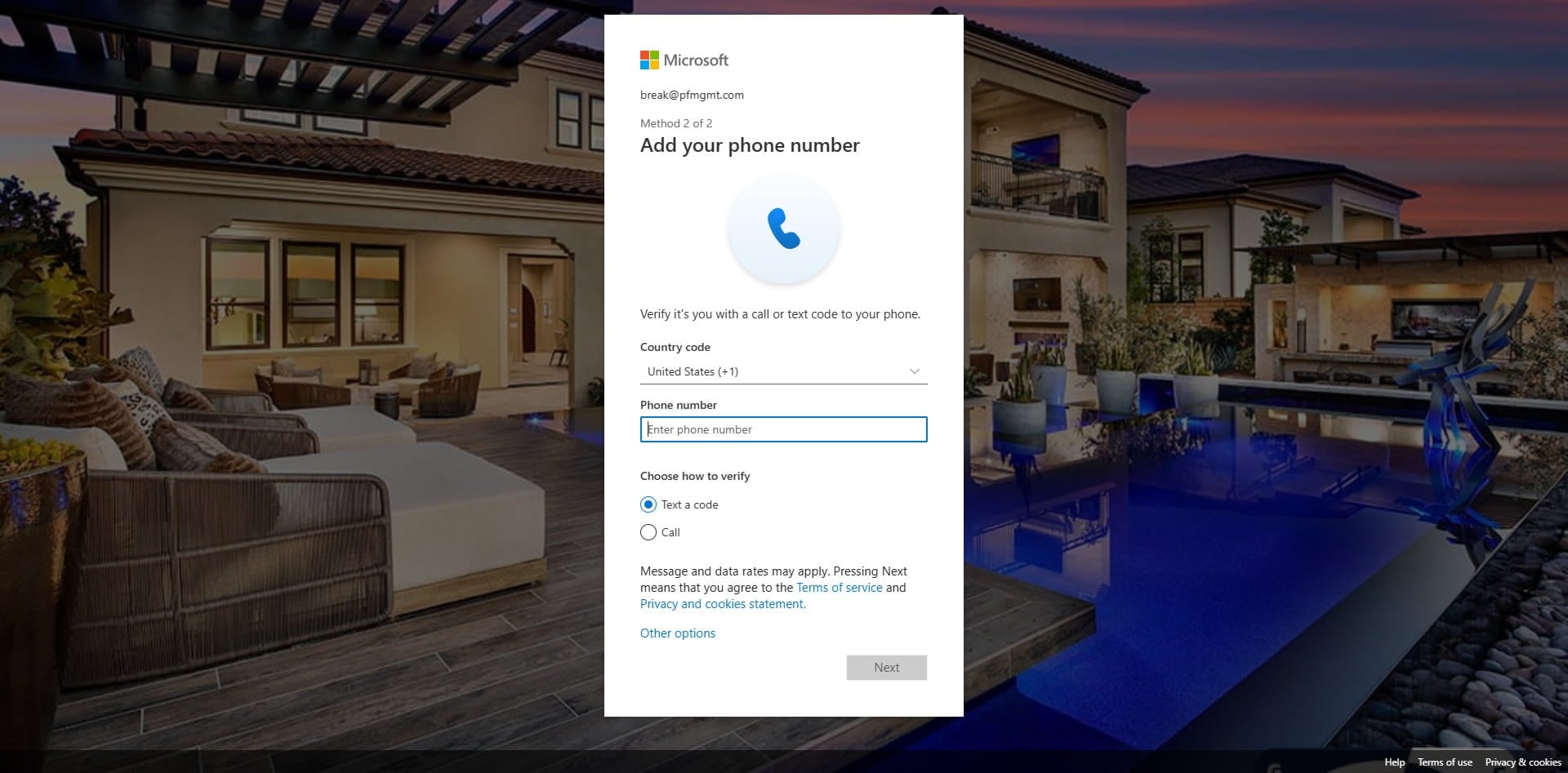
Click in the empty box and enter your phone number.
12
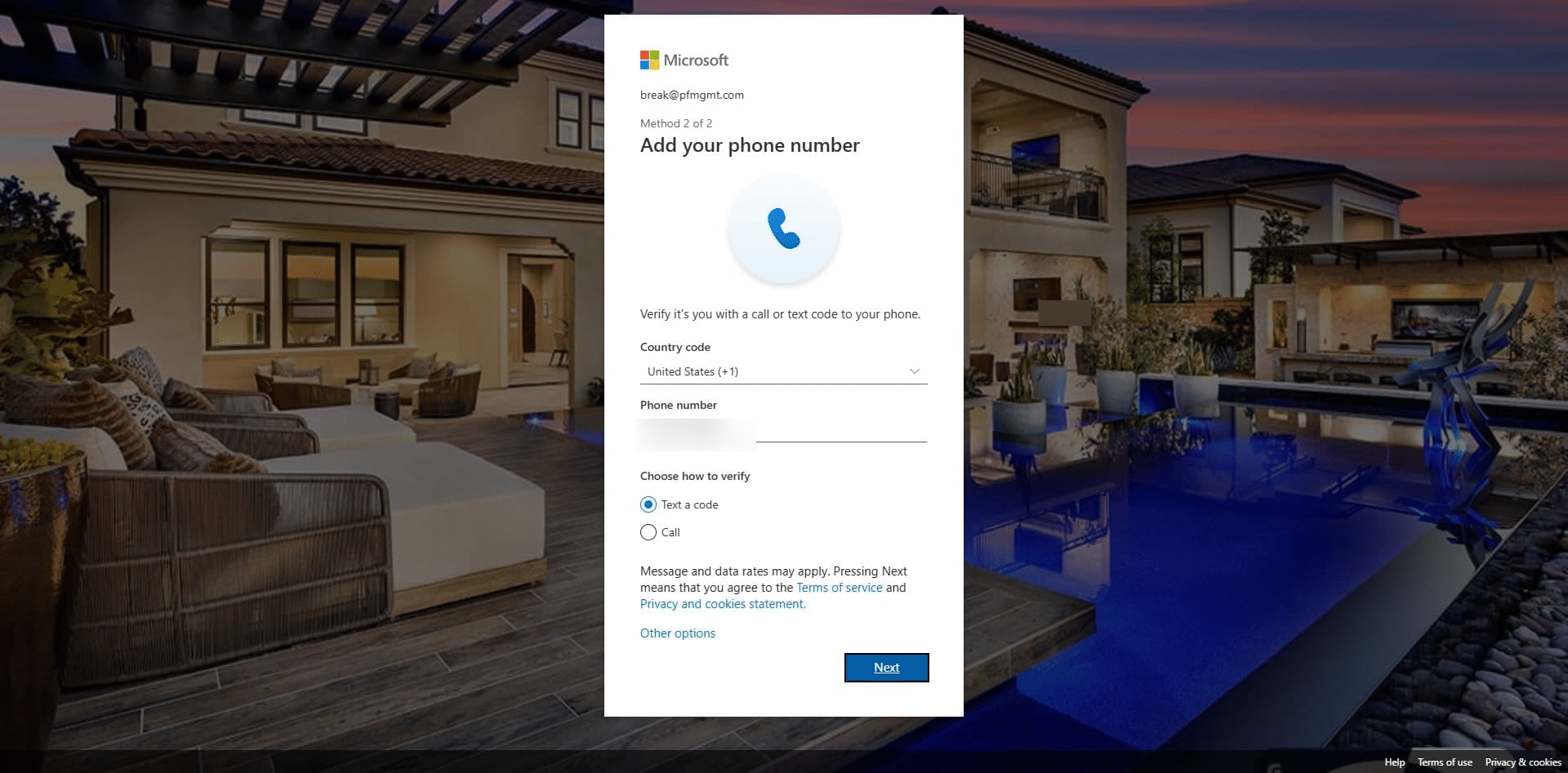
Click on "Next"
13
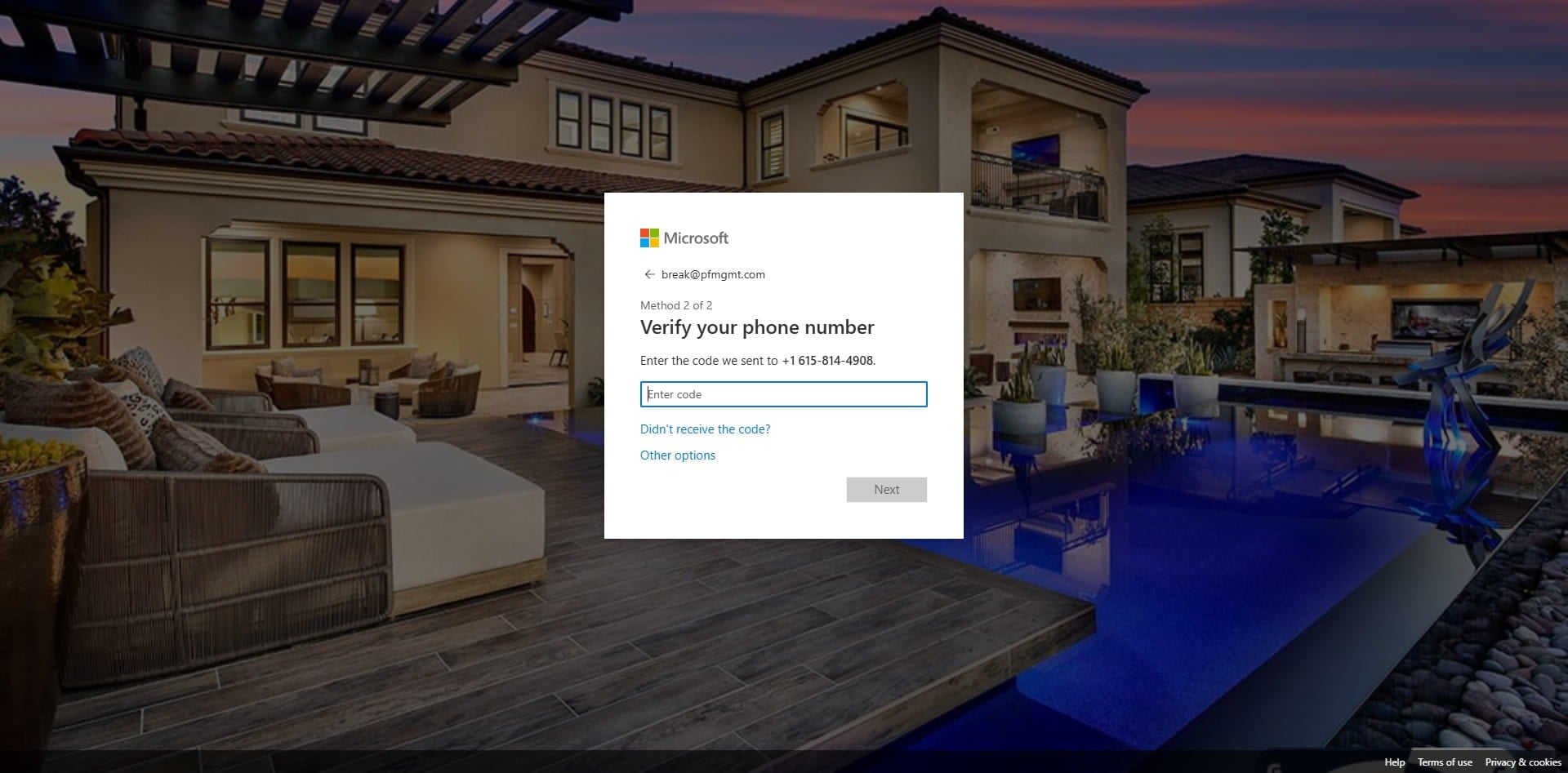
Click in the empty box.
14
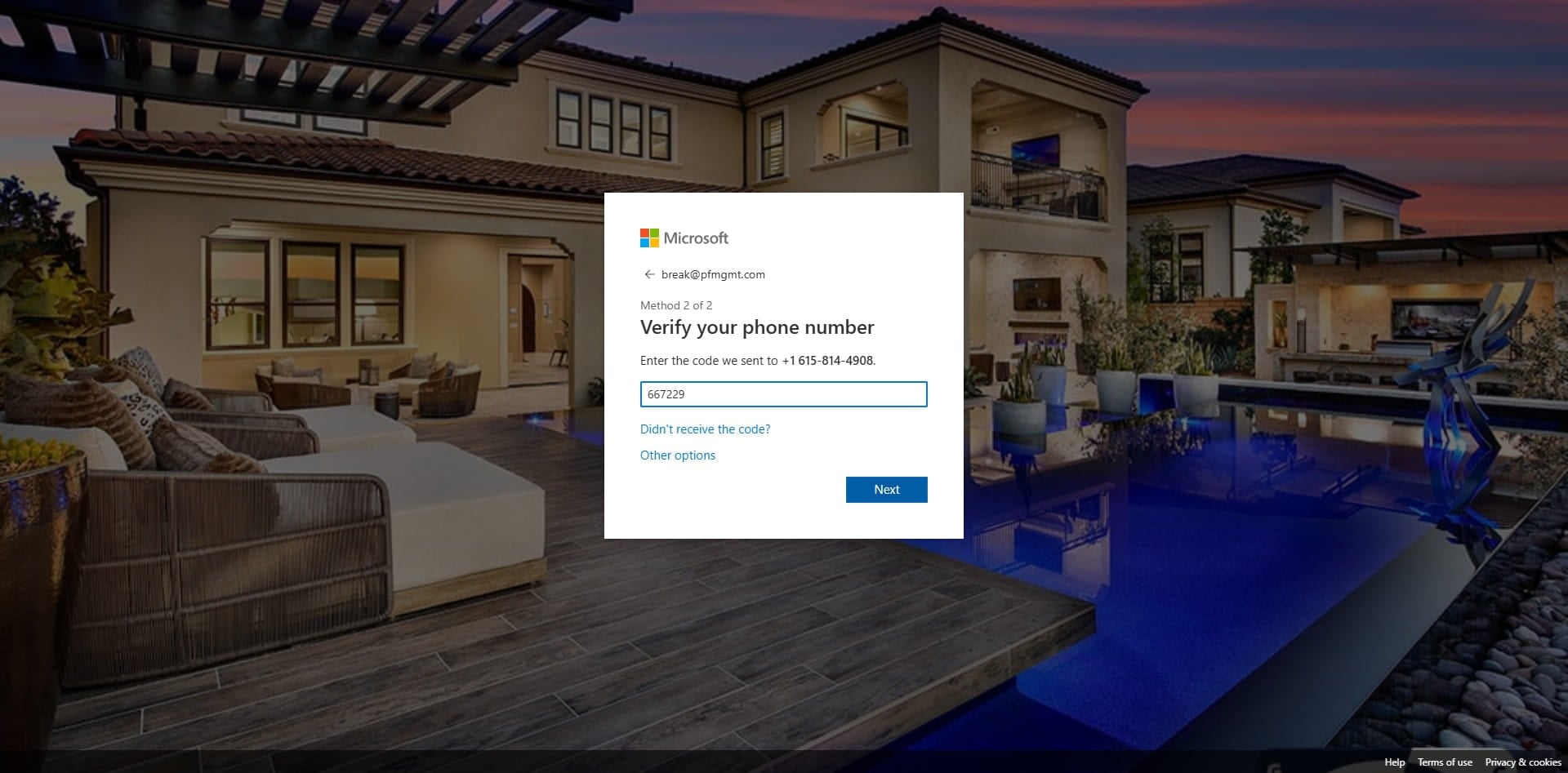
Enter the 6-digit code your received on your cell phone and click next.
15
Click on "Done"
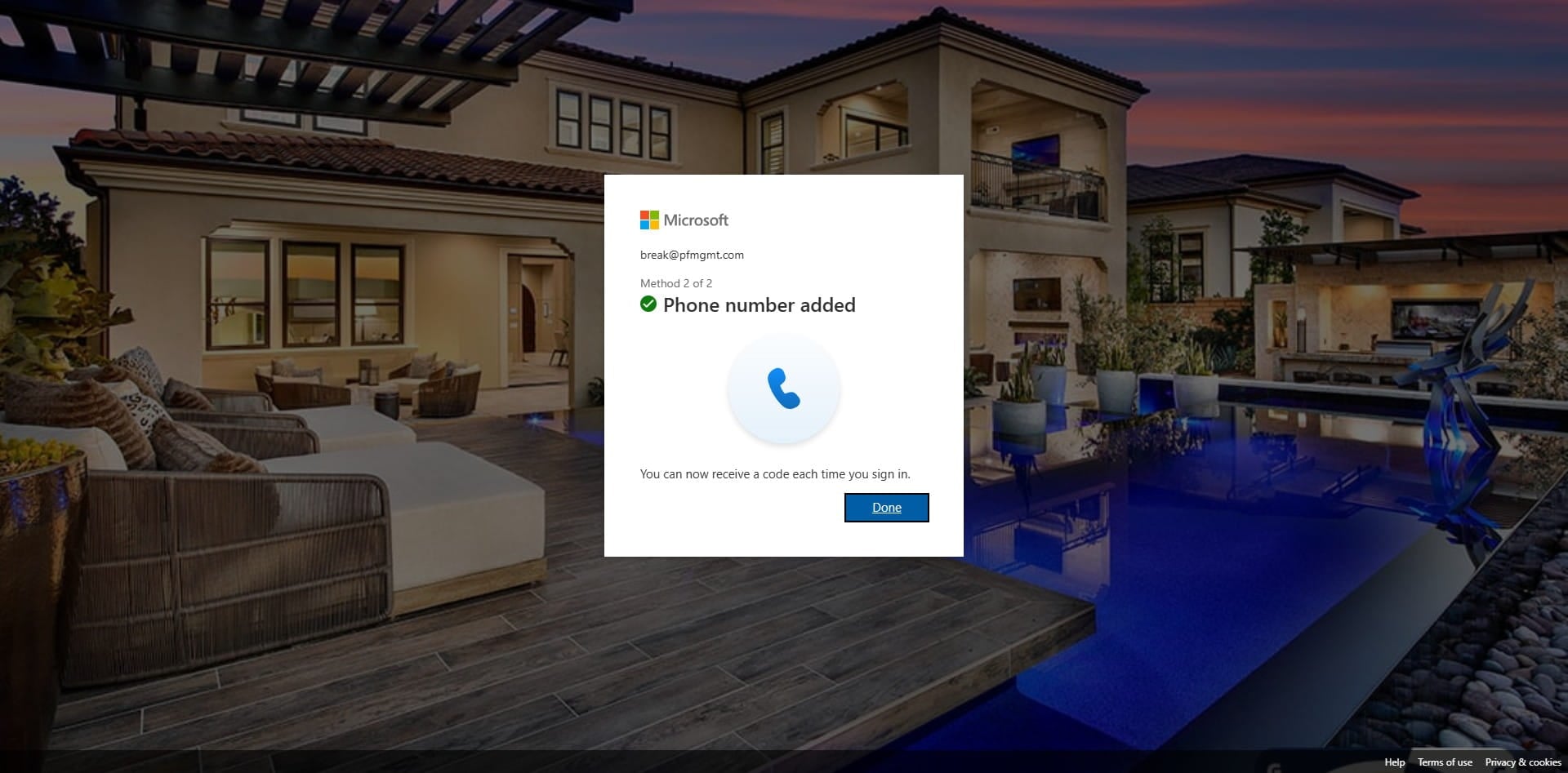
16
Click on "Done"
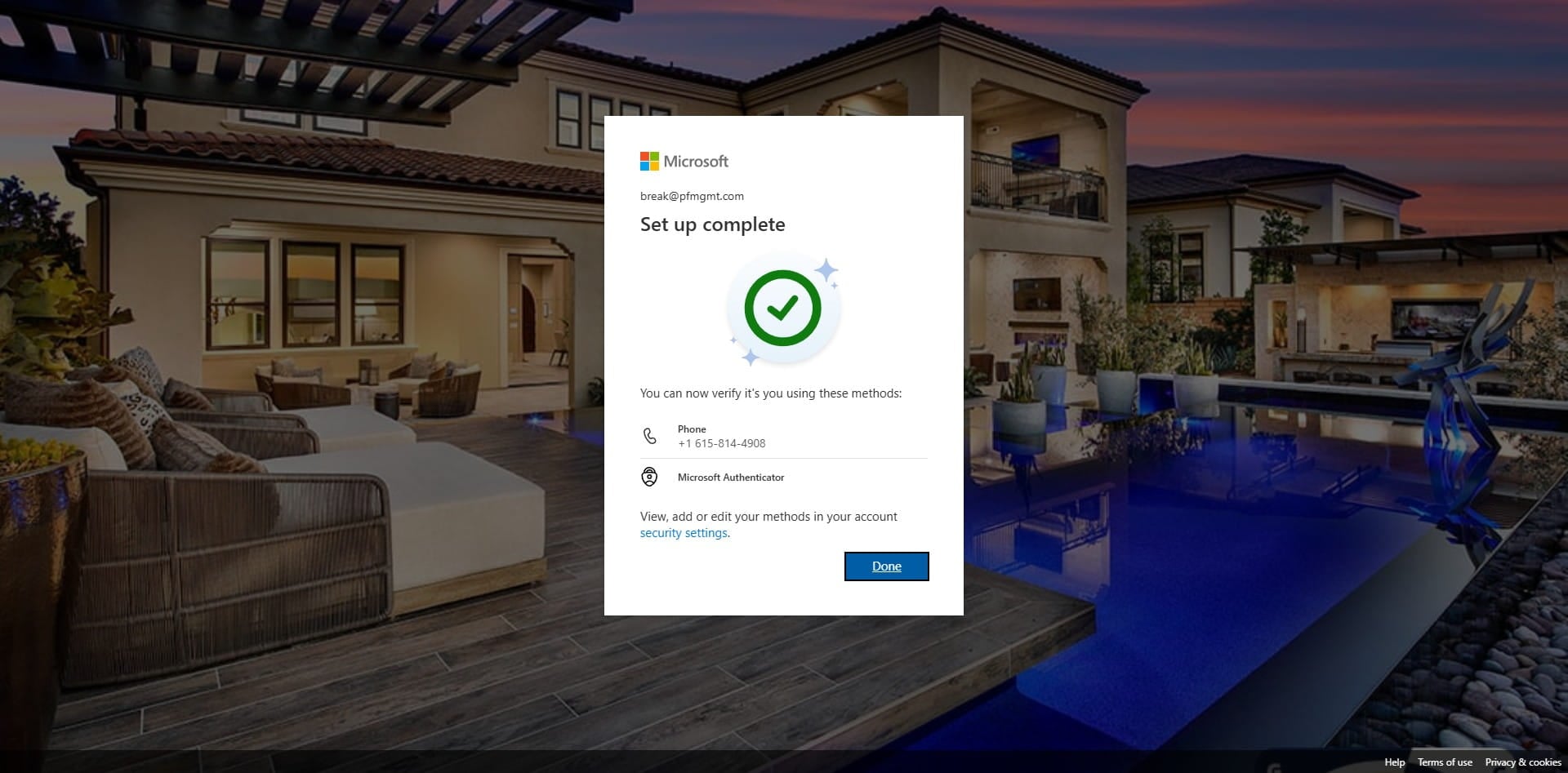
17
Done 🚀