


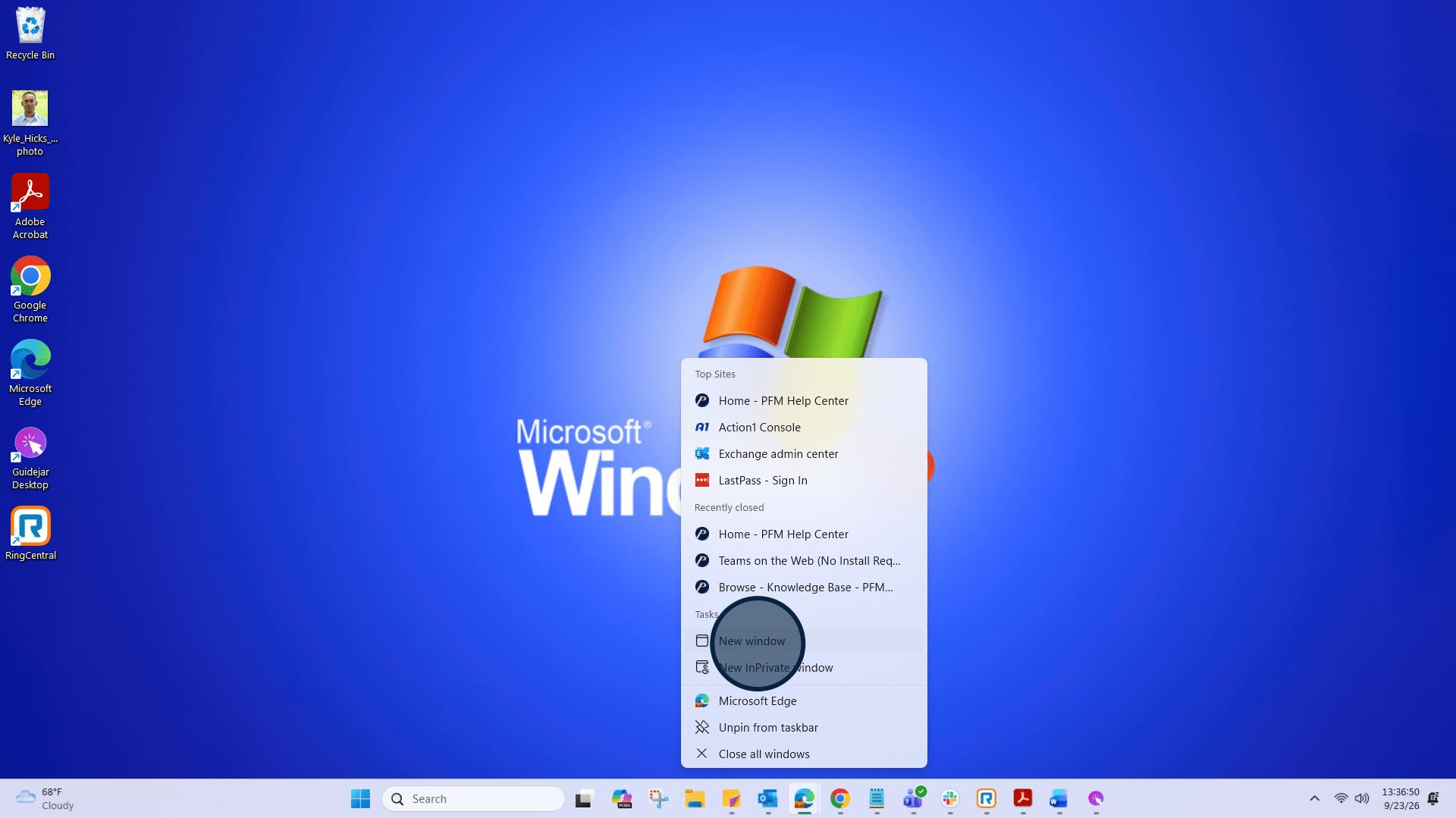
1: Click on "New window" to open a new web page.
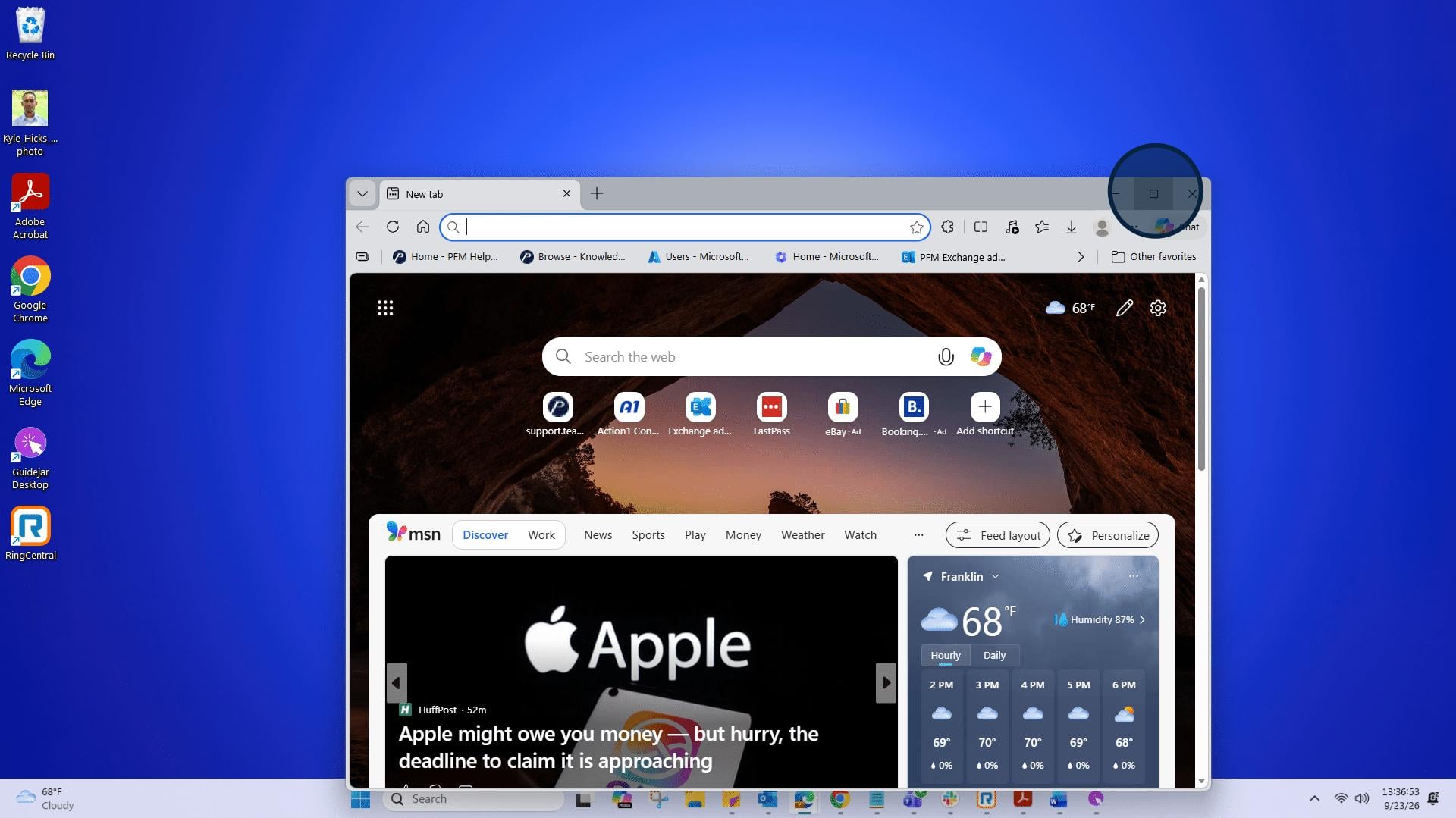
2: Click here to make the web page full screen.
3: Click on the Address and search bar, and go to https://support.teampremierpools.com/home/
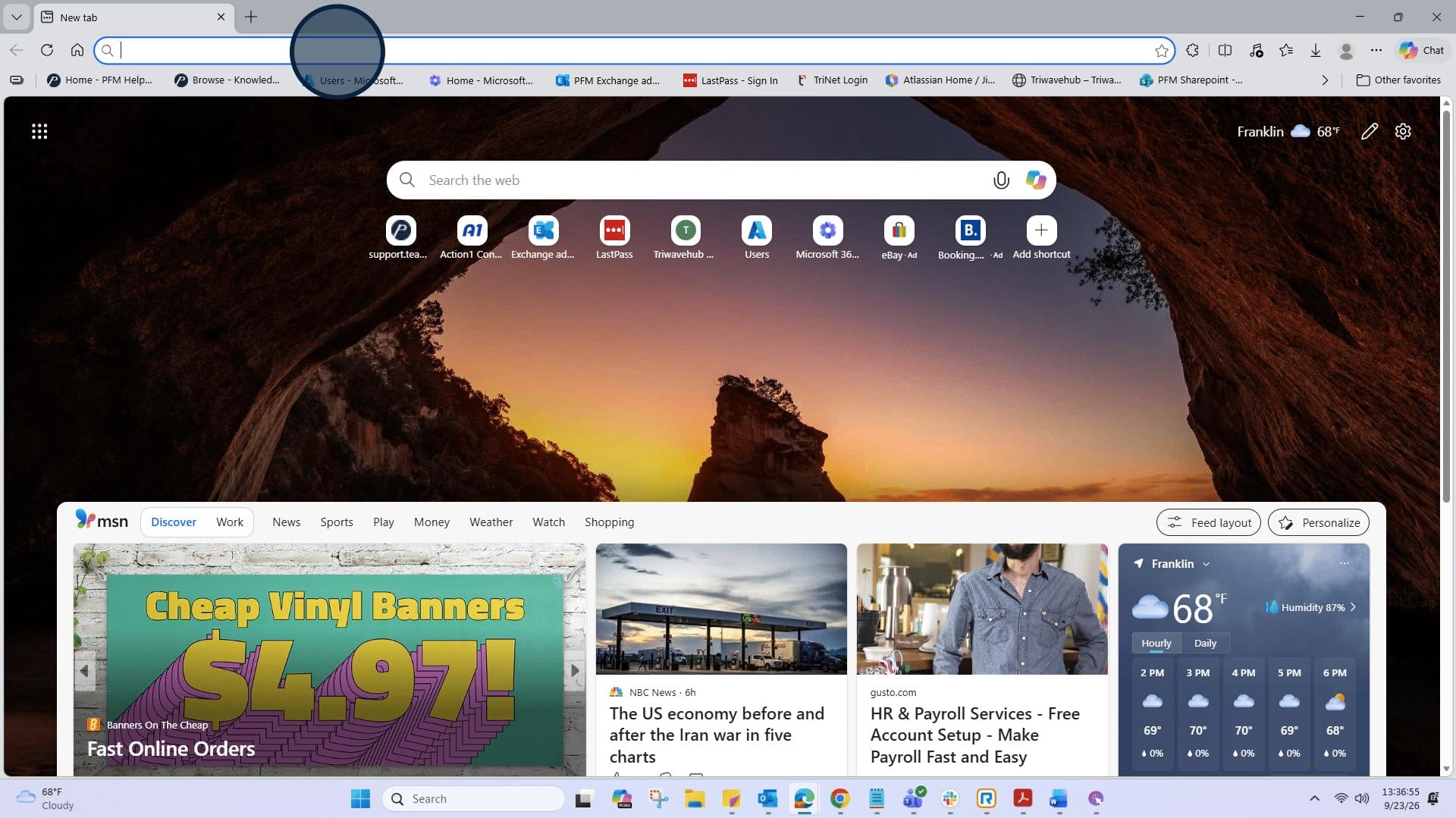
4: Press enter to proceed to the support page.
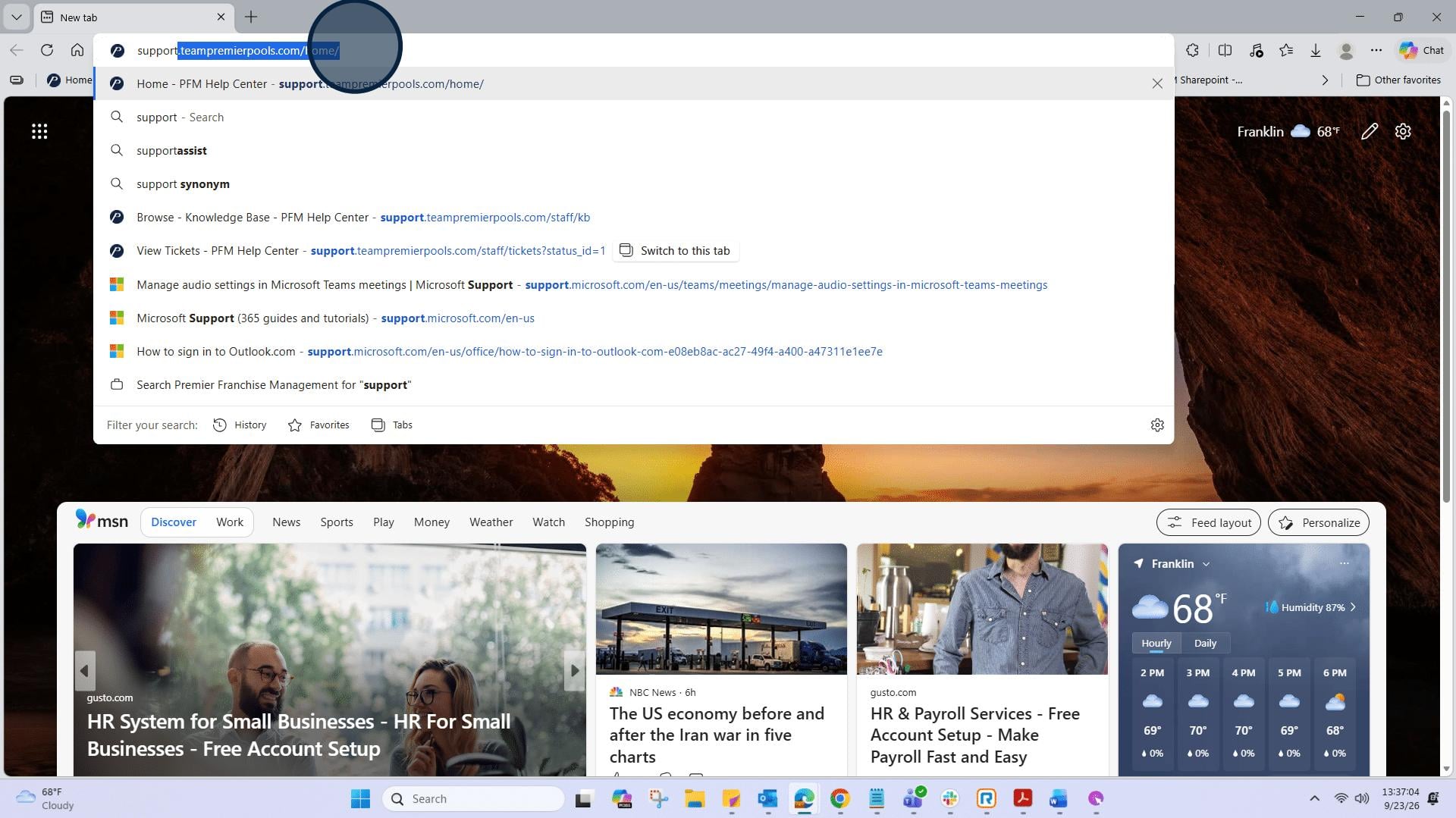
5: At the top right corner, select “Login”.
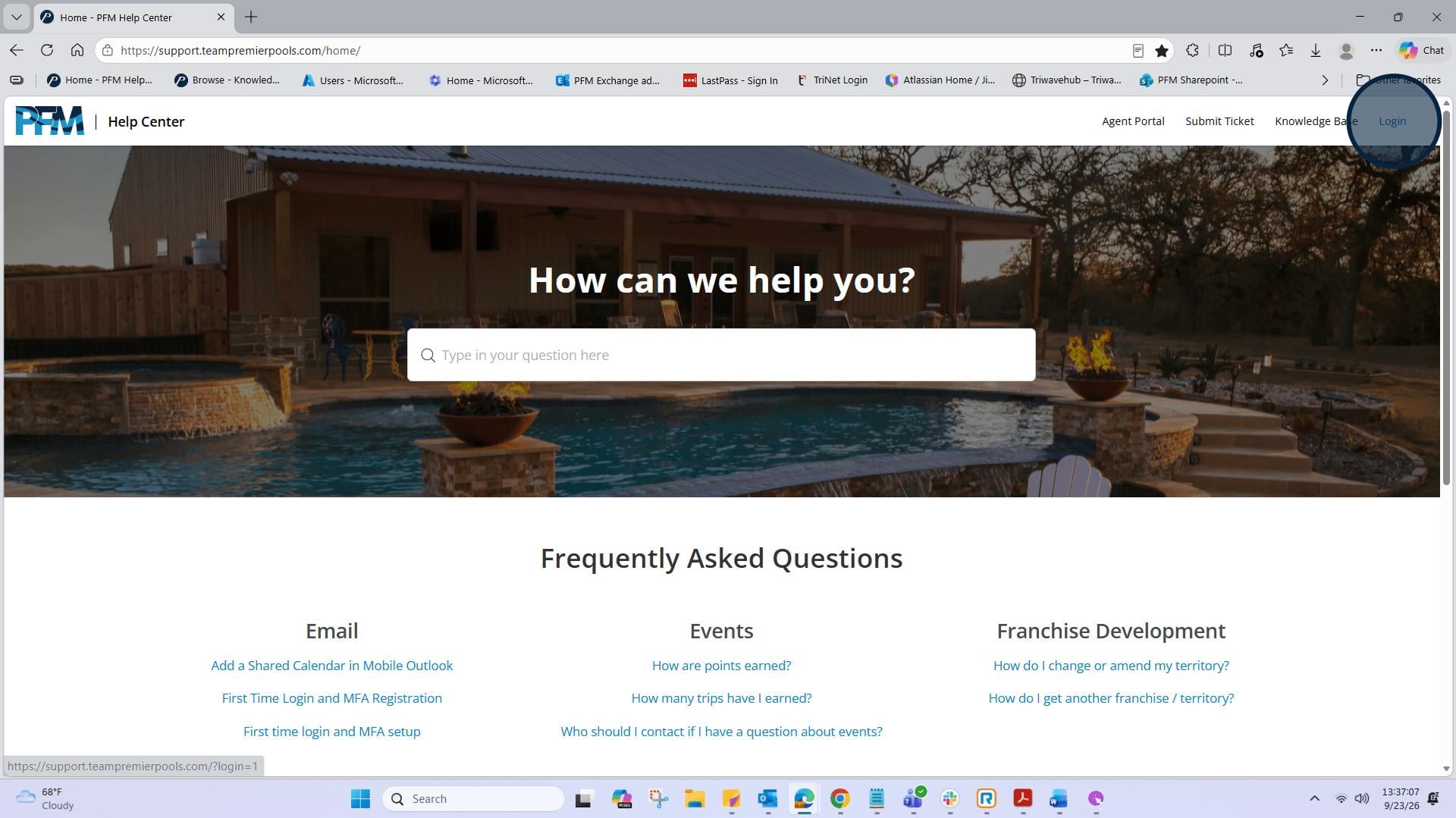
6: Once logged in, it will show your initials in the top right corner inside a circle. Next, click on "Knowledge Base".
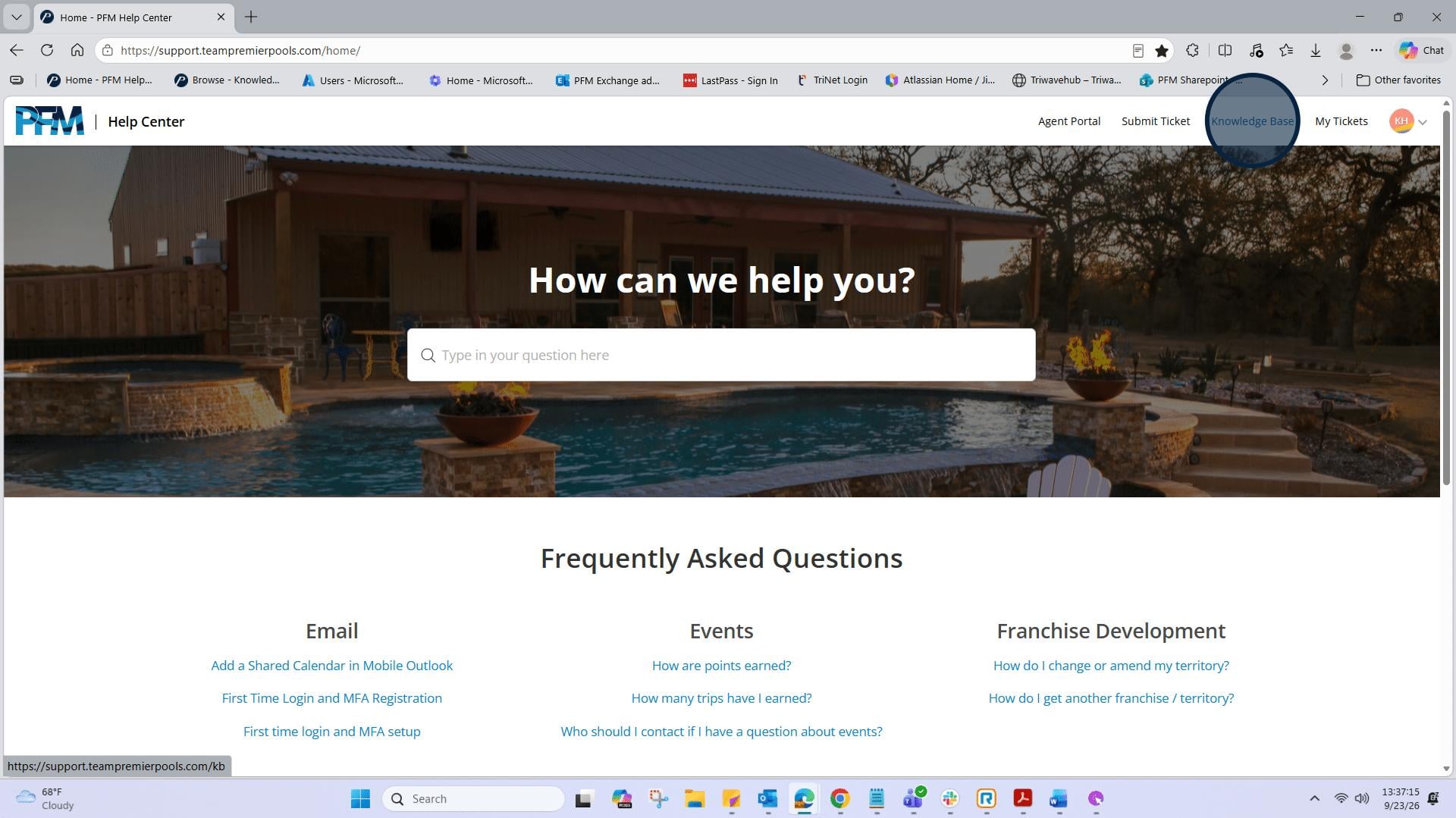
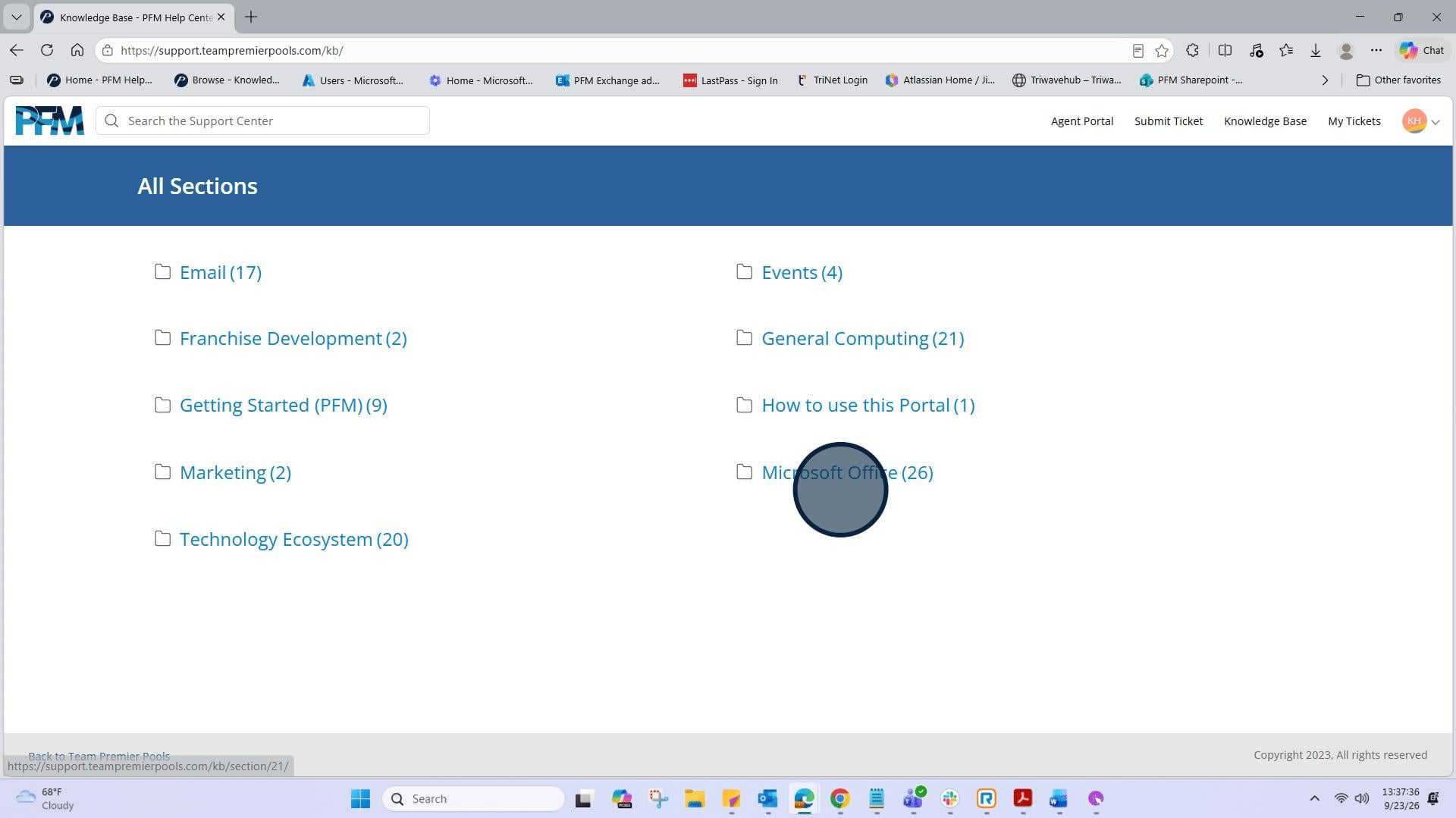
7: Next, you will see “All Sections” in the blue banner. Below you will see different folders with category names that contain Knowledge Based Articles.
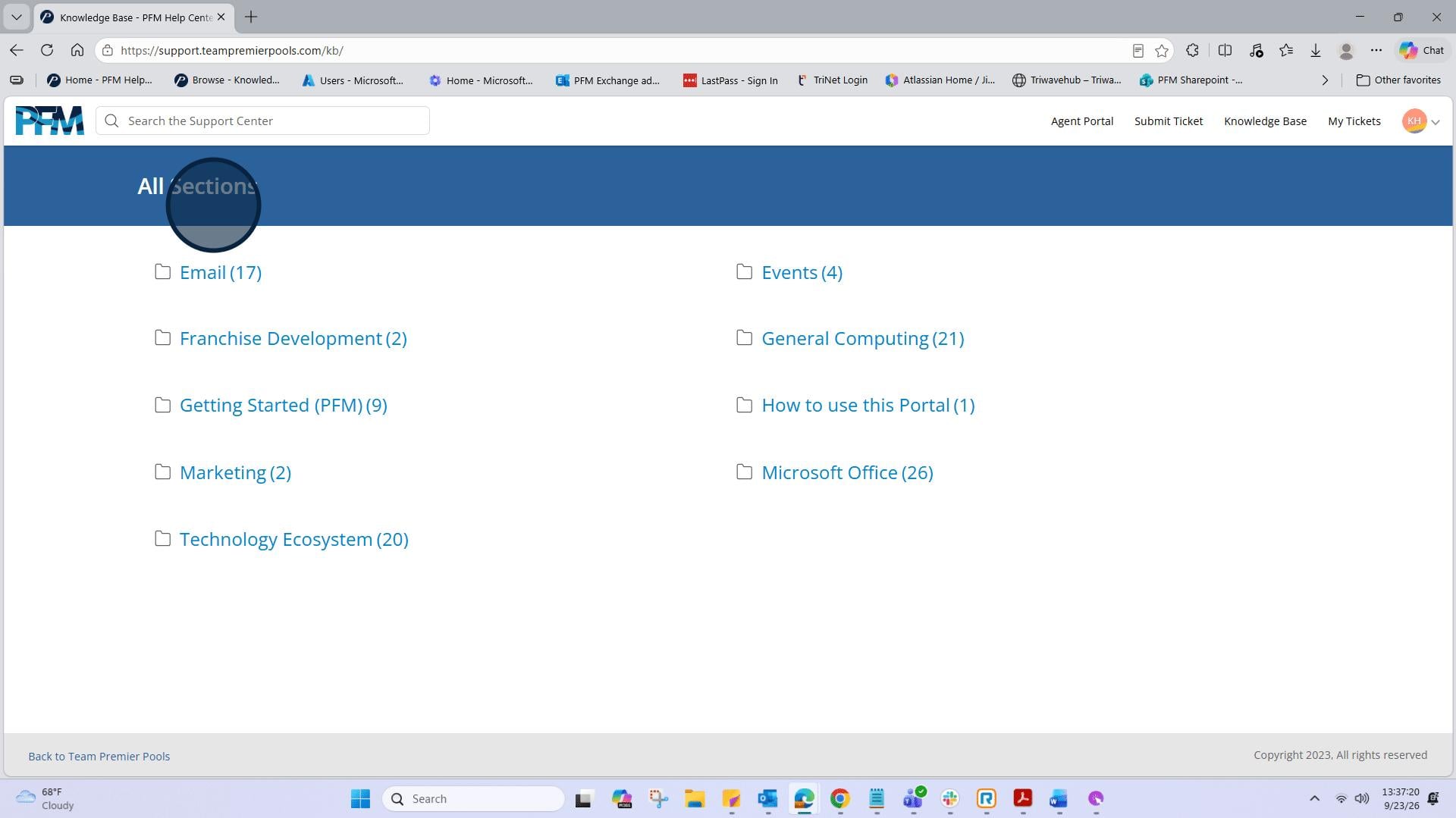
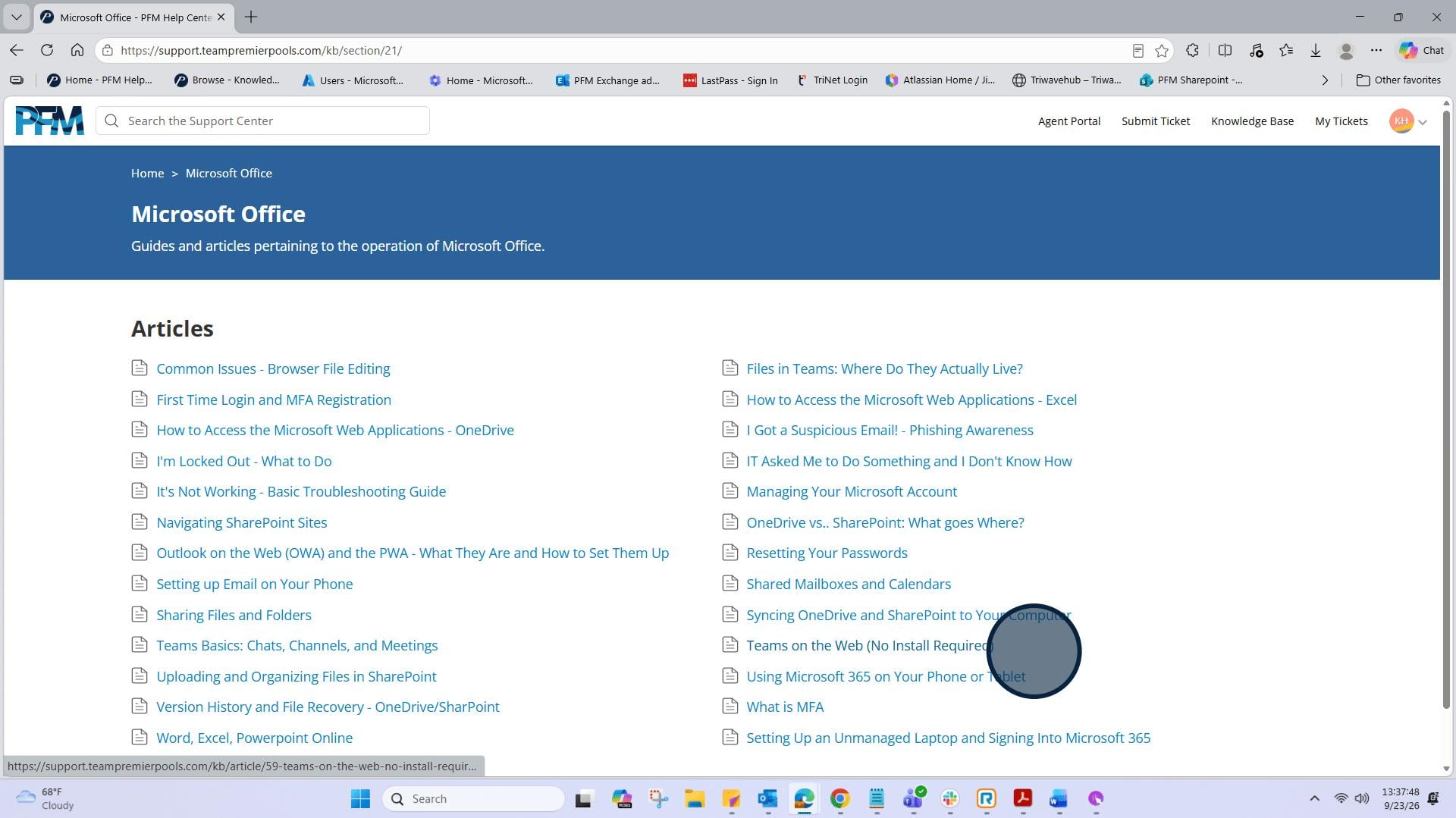
8: In this example we will look within Microsoft Office section. Click on "Microsoft Office". Here you will see a list of its articles you can use for support in answering frequently asked questions and tasks.
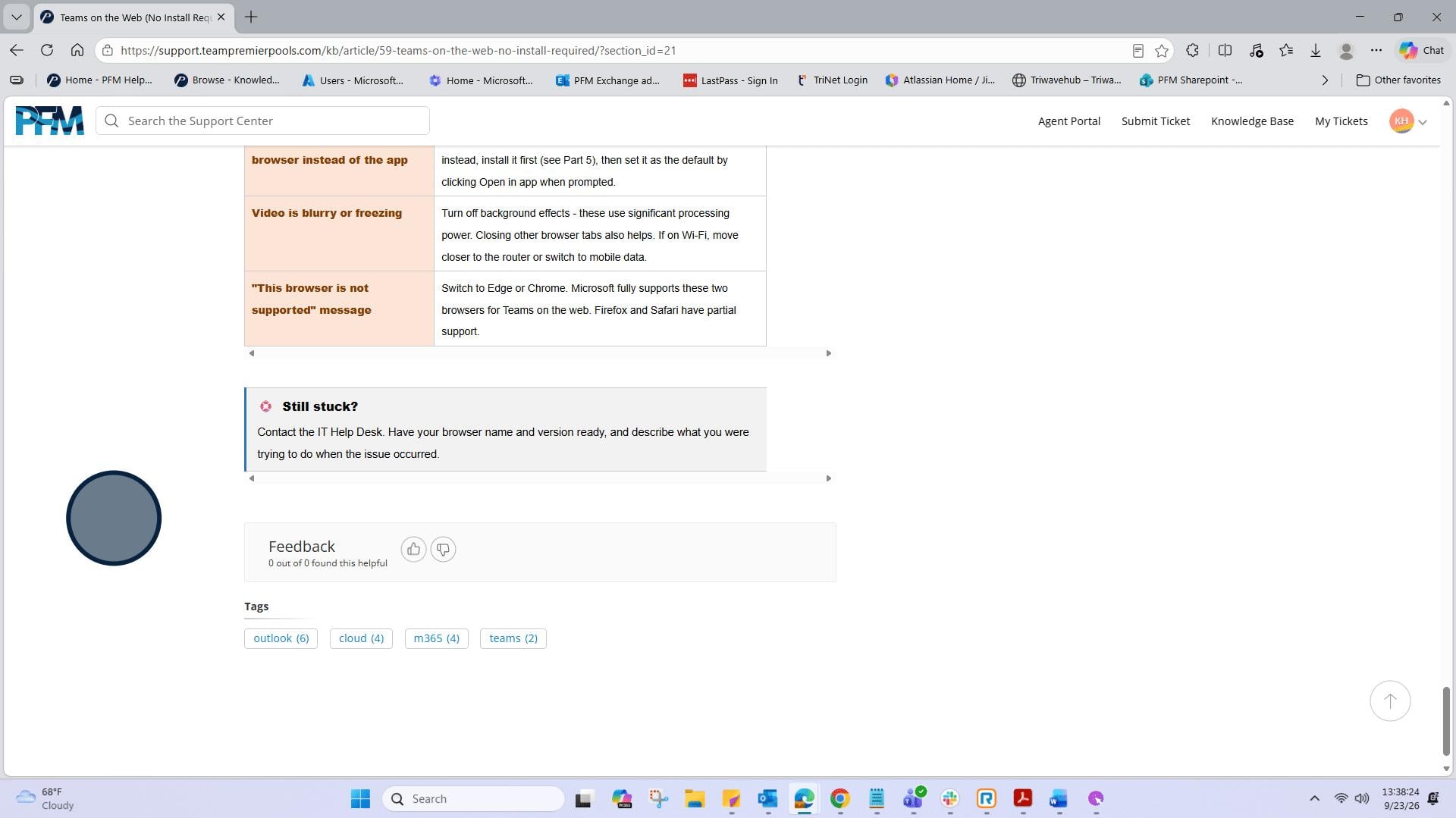
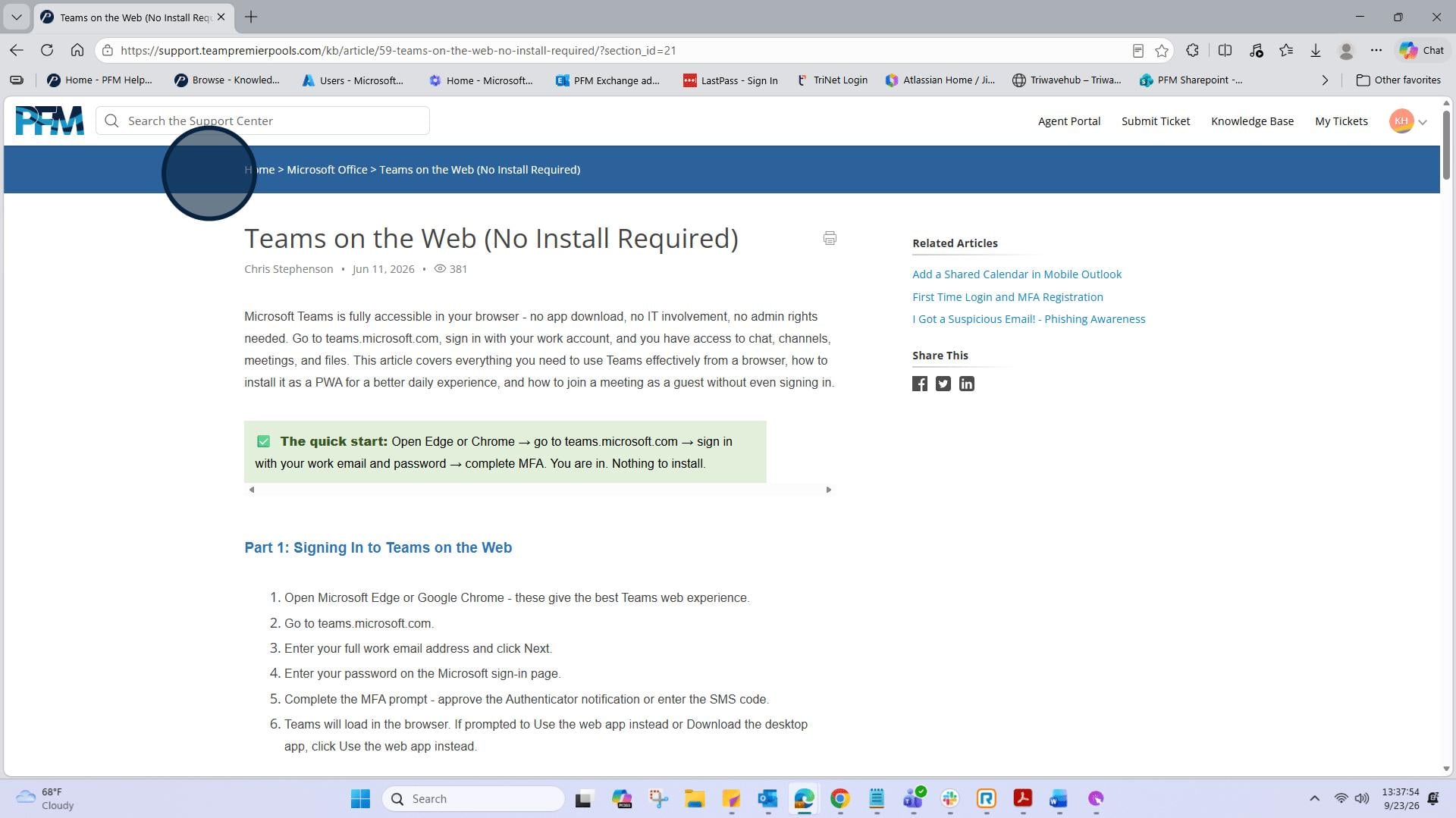
9: Let’s look at the "Teams on the Web (No Install Required)" article.
10: Here you’ll find an article that will help familiarize you with an orientation to Microsoft Teams and getting started with its features and functionality.
11: Continue to scroll down to view the entire article.
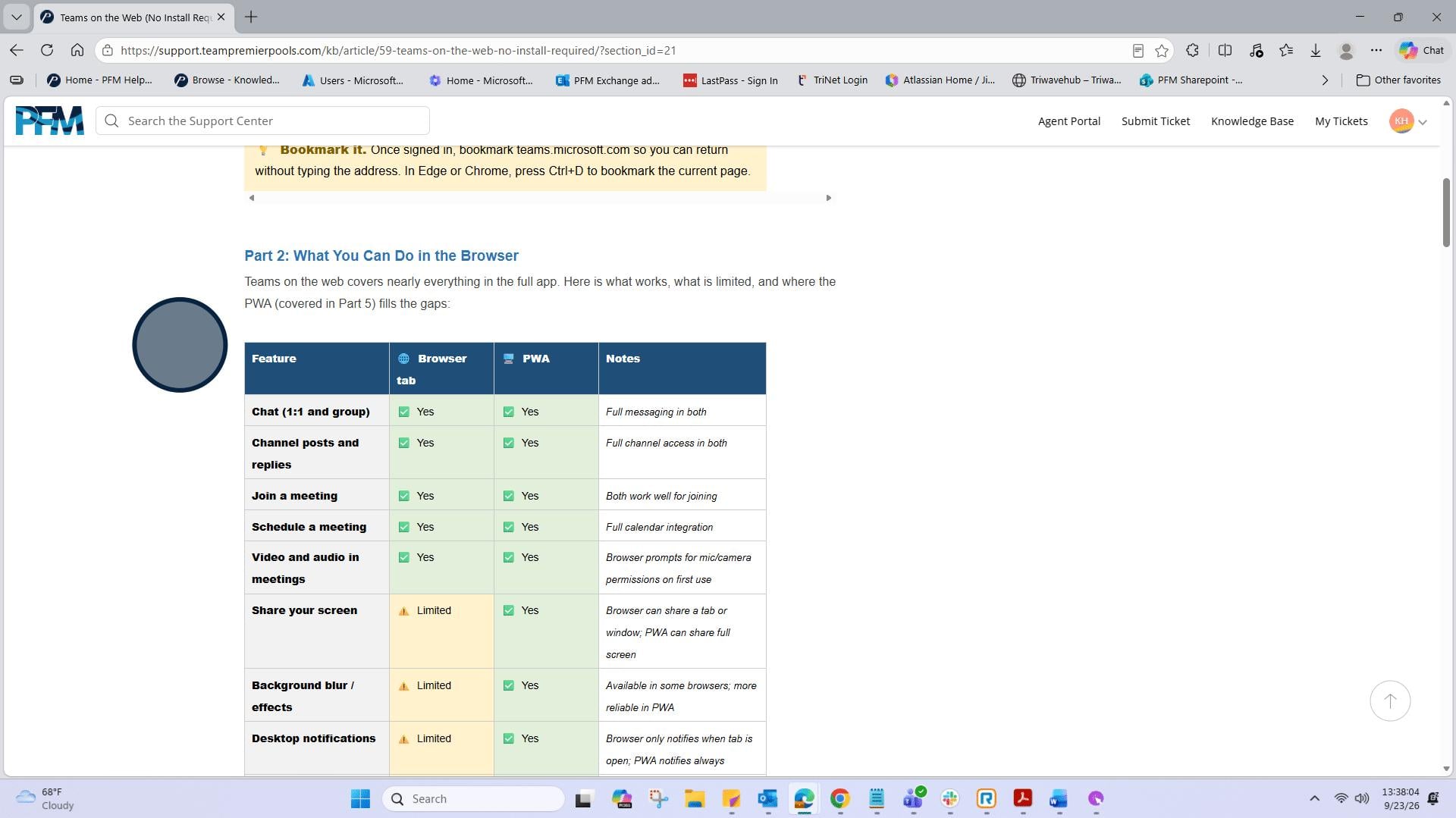
12: Continue to scroll down to view the entire article.
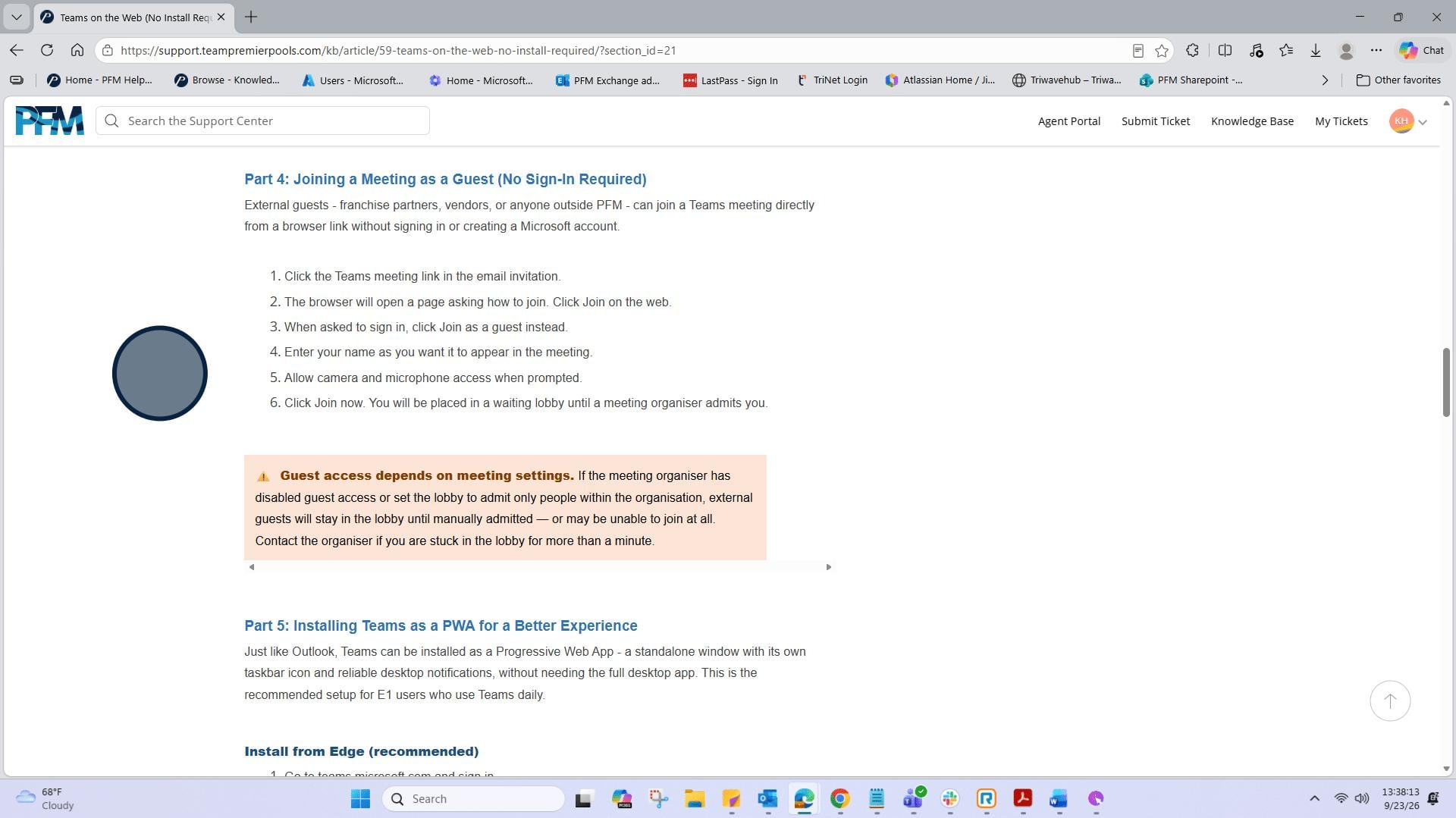
13: Continue to scroll down to view the entire article.