

Where Do I Find My Tickets In Happy Fox?

Last updated: Sep 10, 2026
13
views

Where do I find my tickets in Happy Fox?
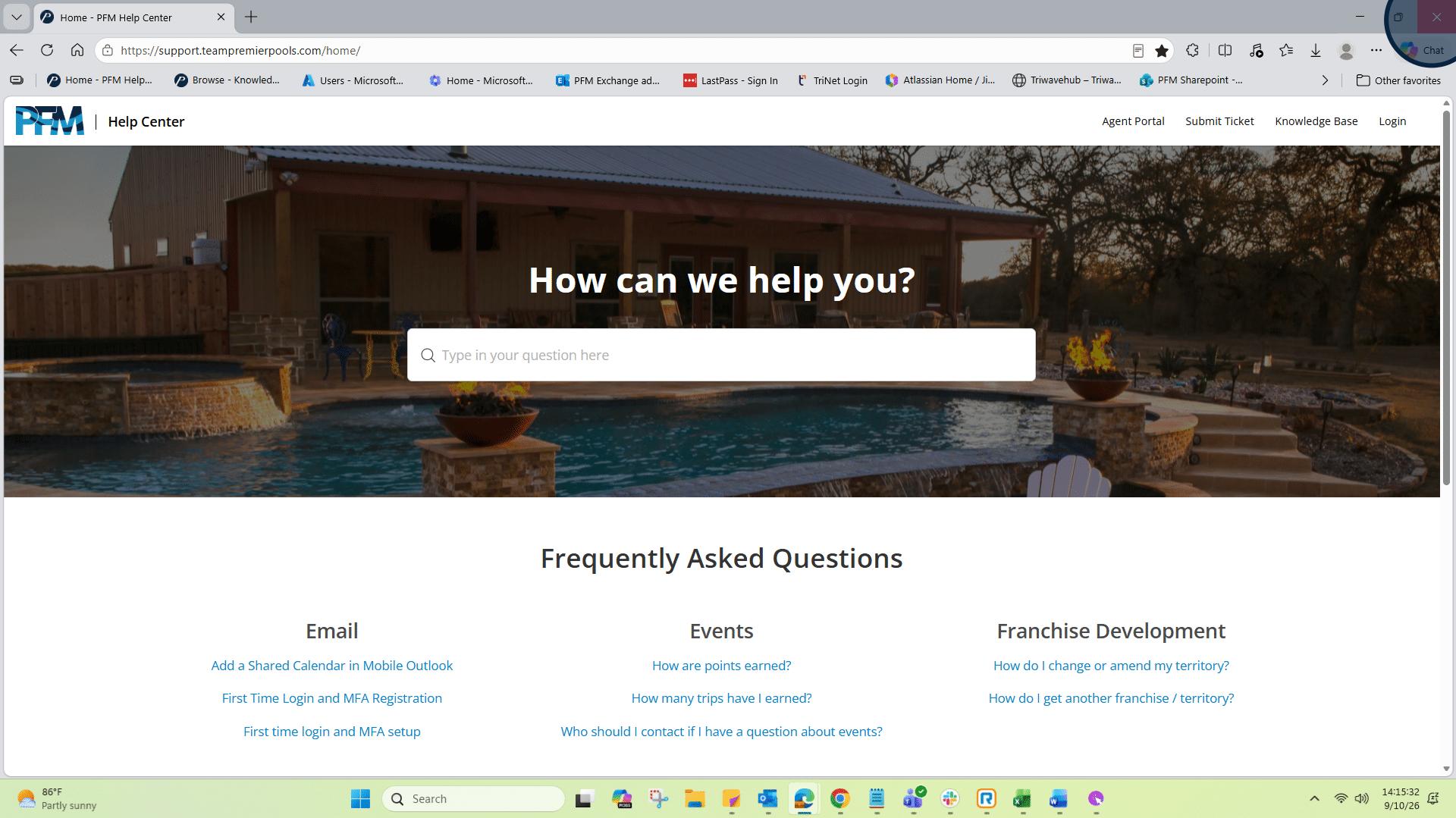
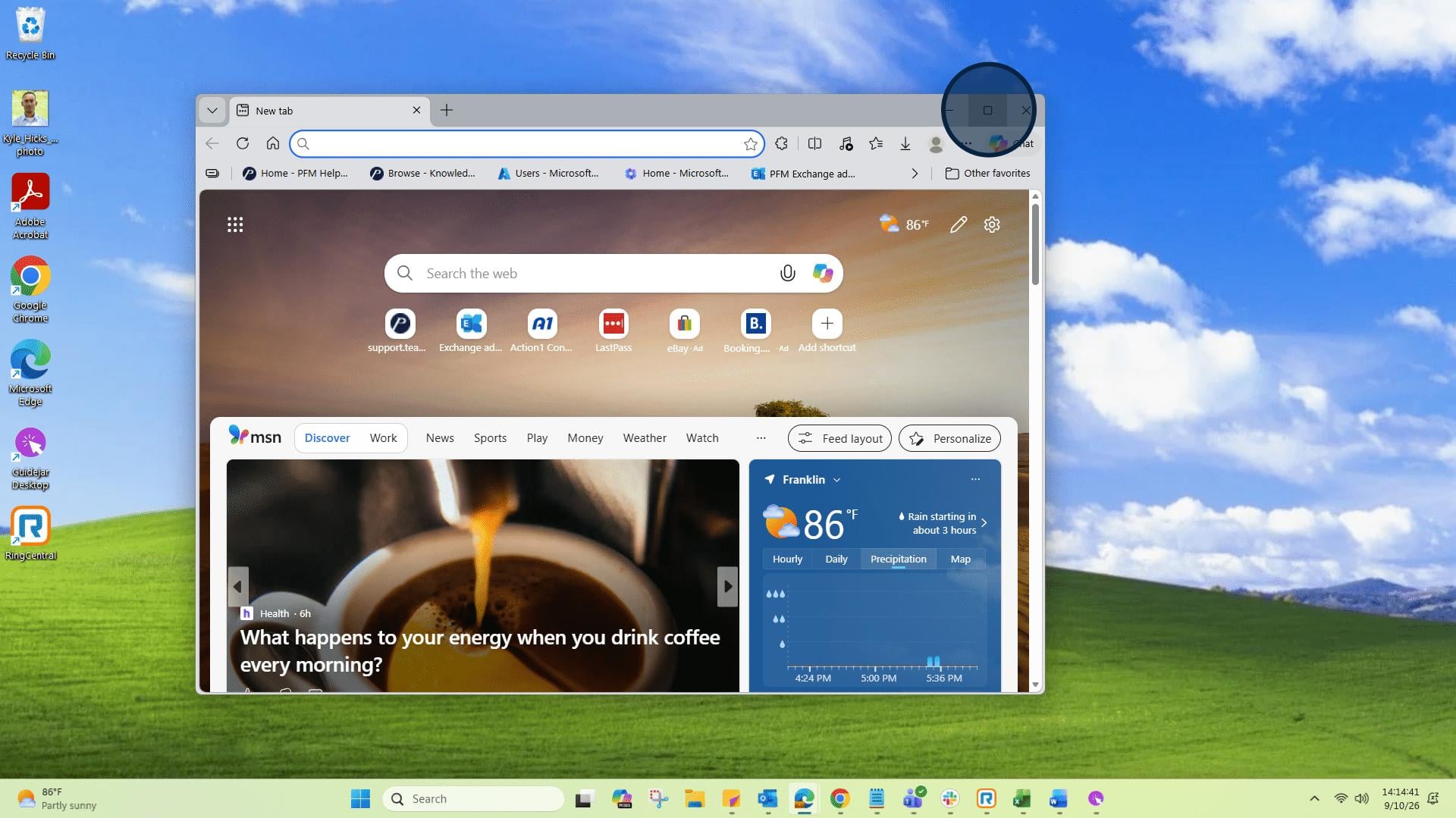
1: Open a new browser window.
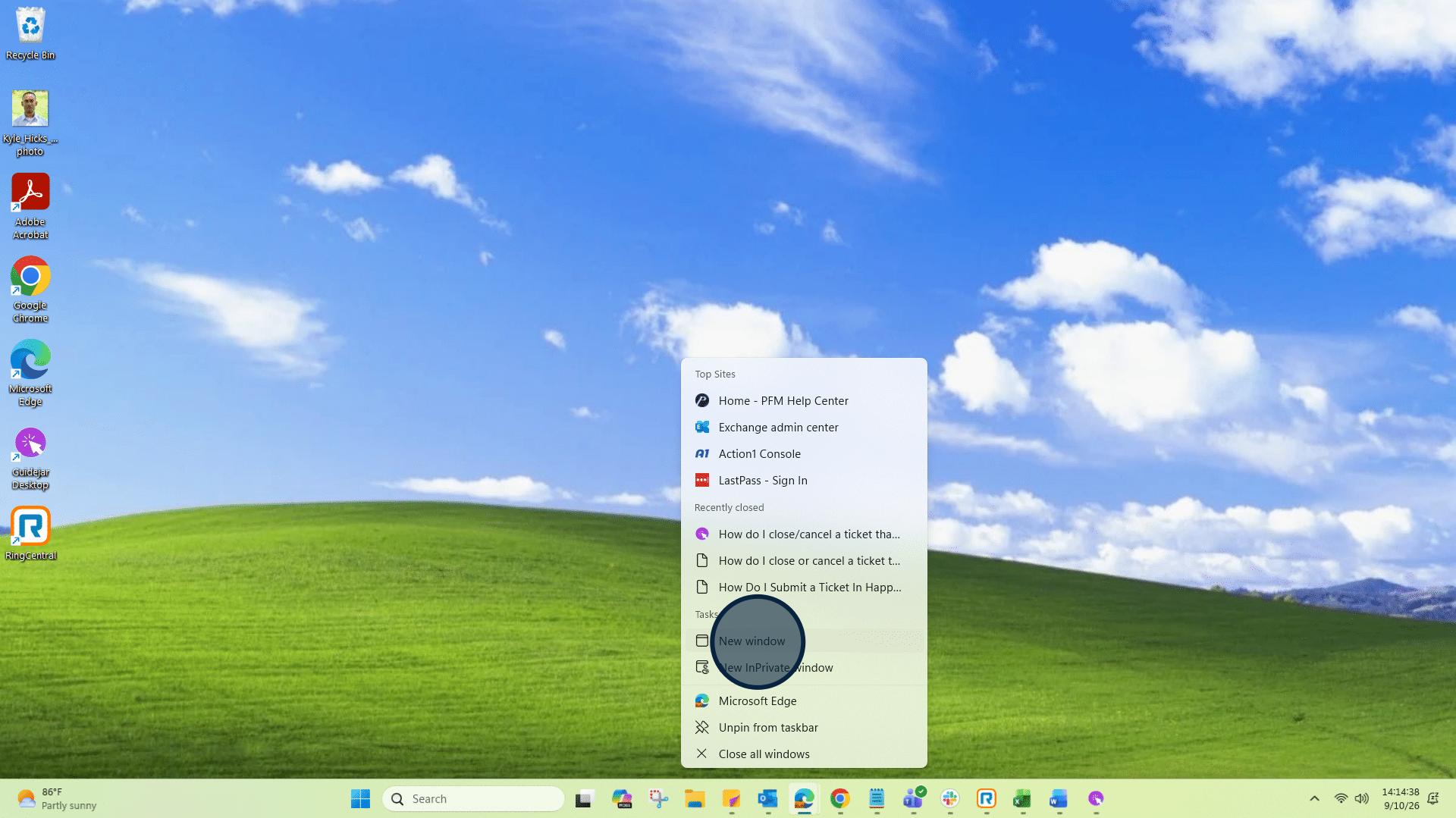
2: In this instance I'm using the Edge browser.
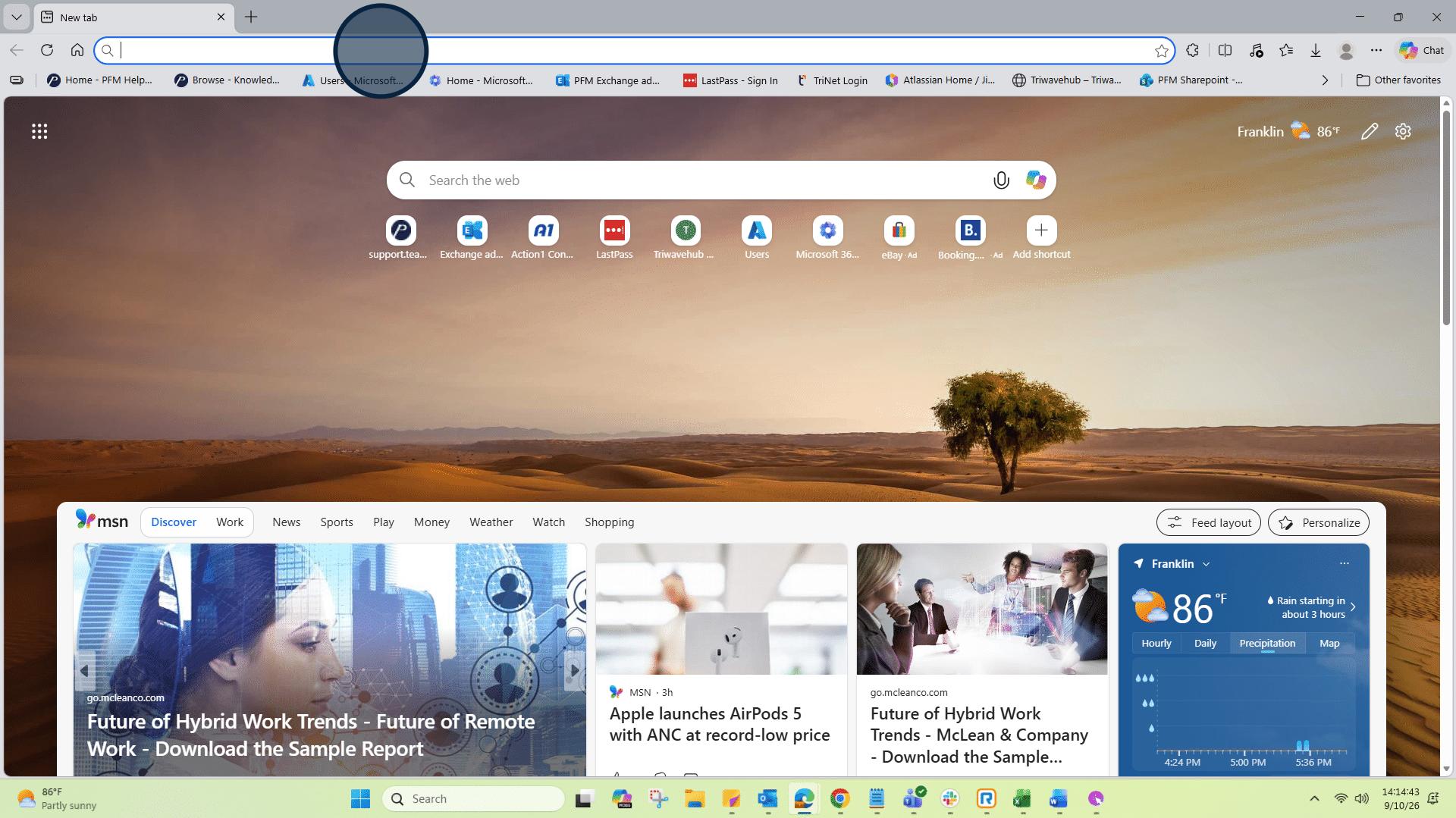
3: Click on Address bar and go to: support.teampremierpools.com/home/
4: In the top right corner, click "Login".
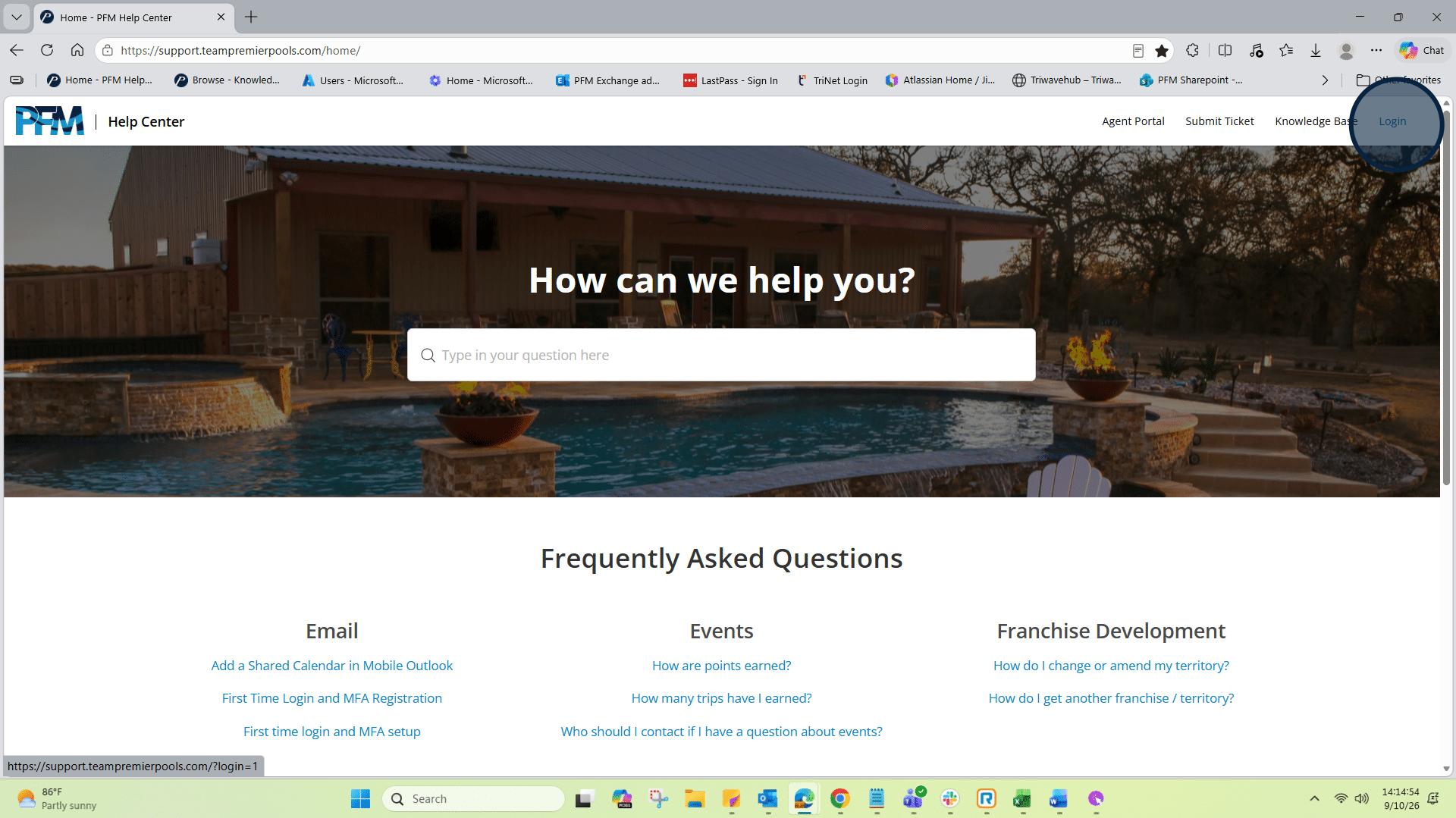
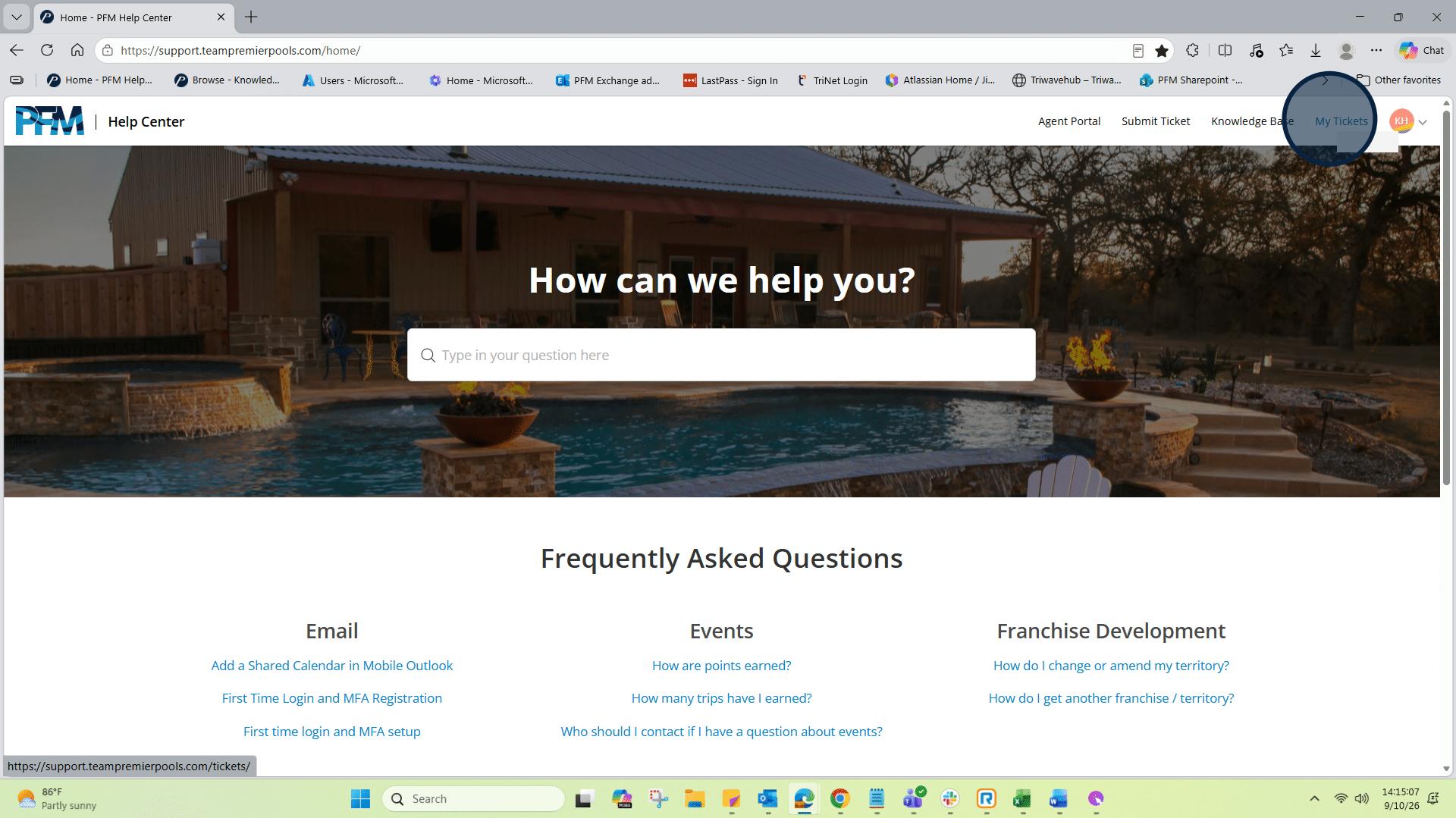
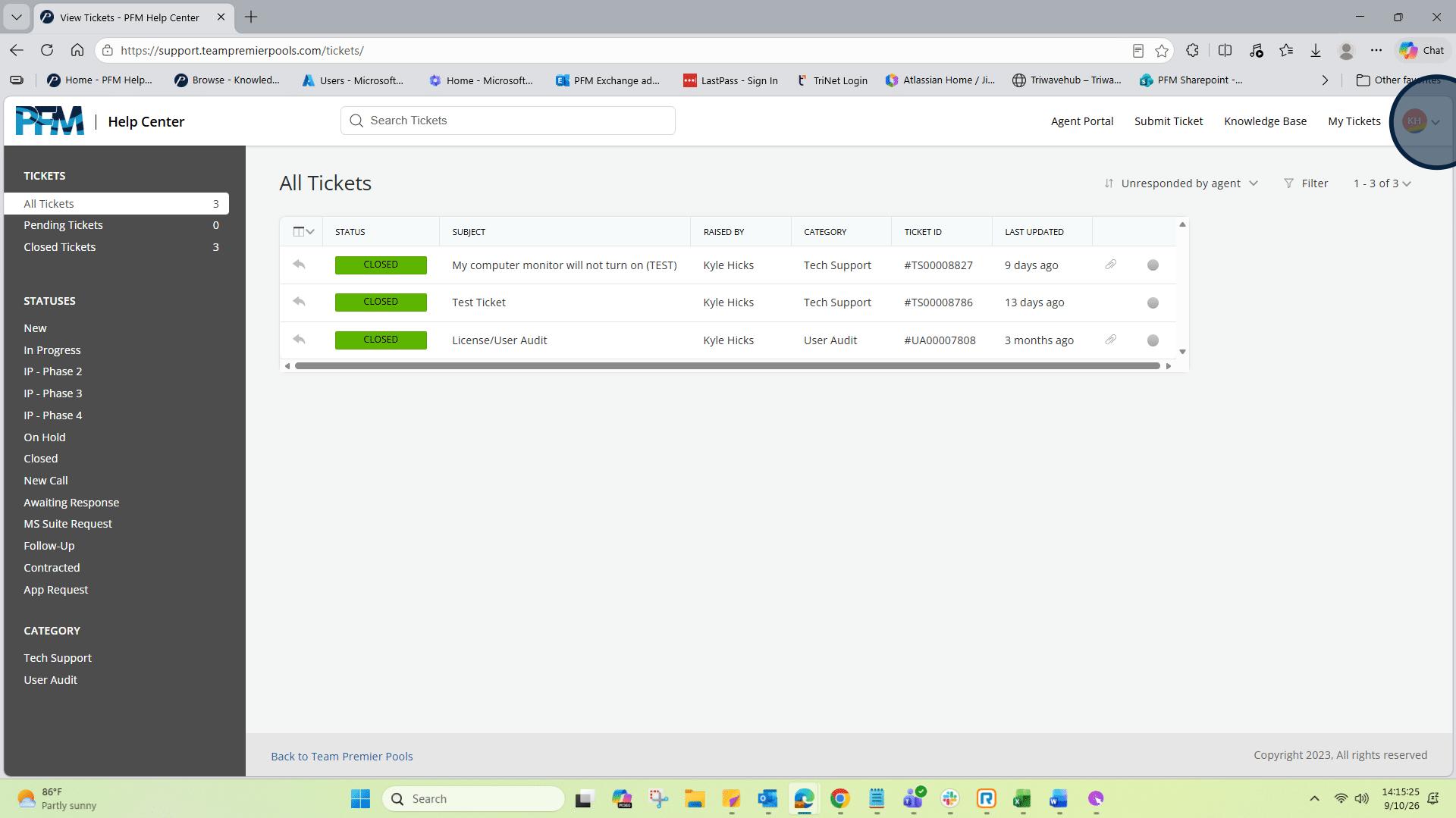
5: You will see your initials in the circle after you login. Next, click on "My Tickets".
6: In the center of the page you will see the "All Tickets" view.
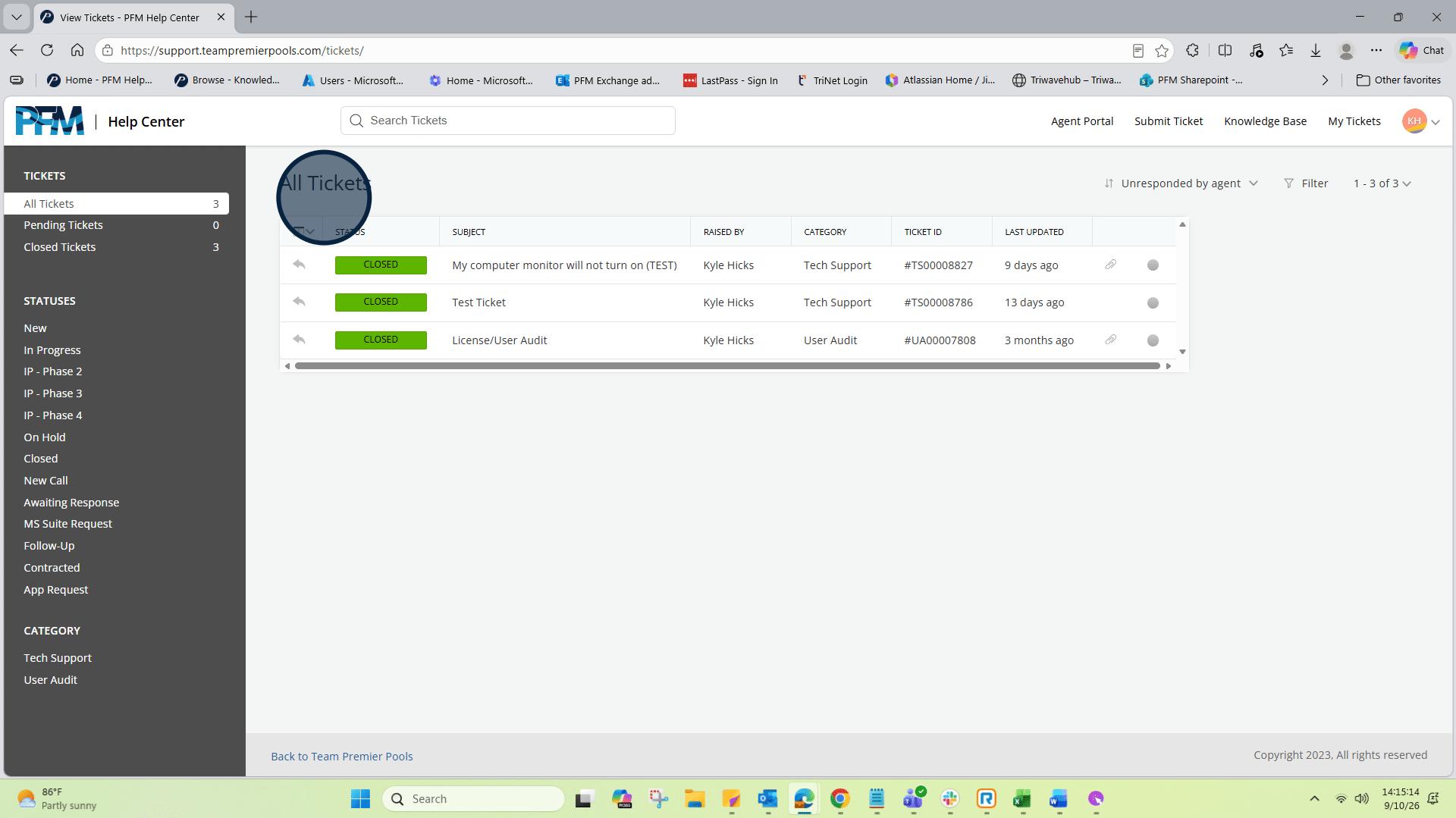
7: This view displays all the tickets you have submitted and their current statuses.
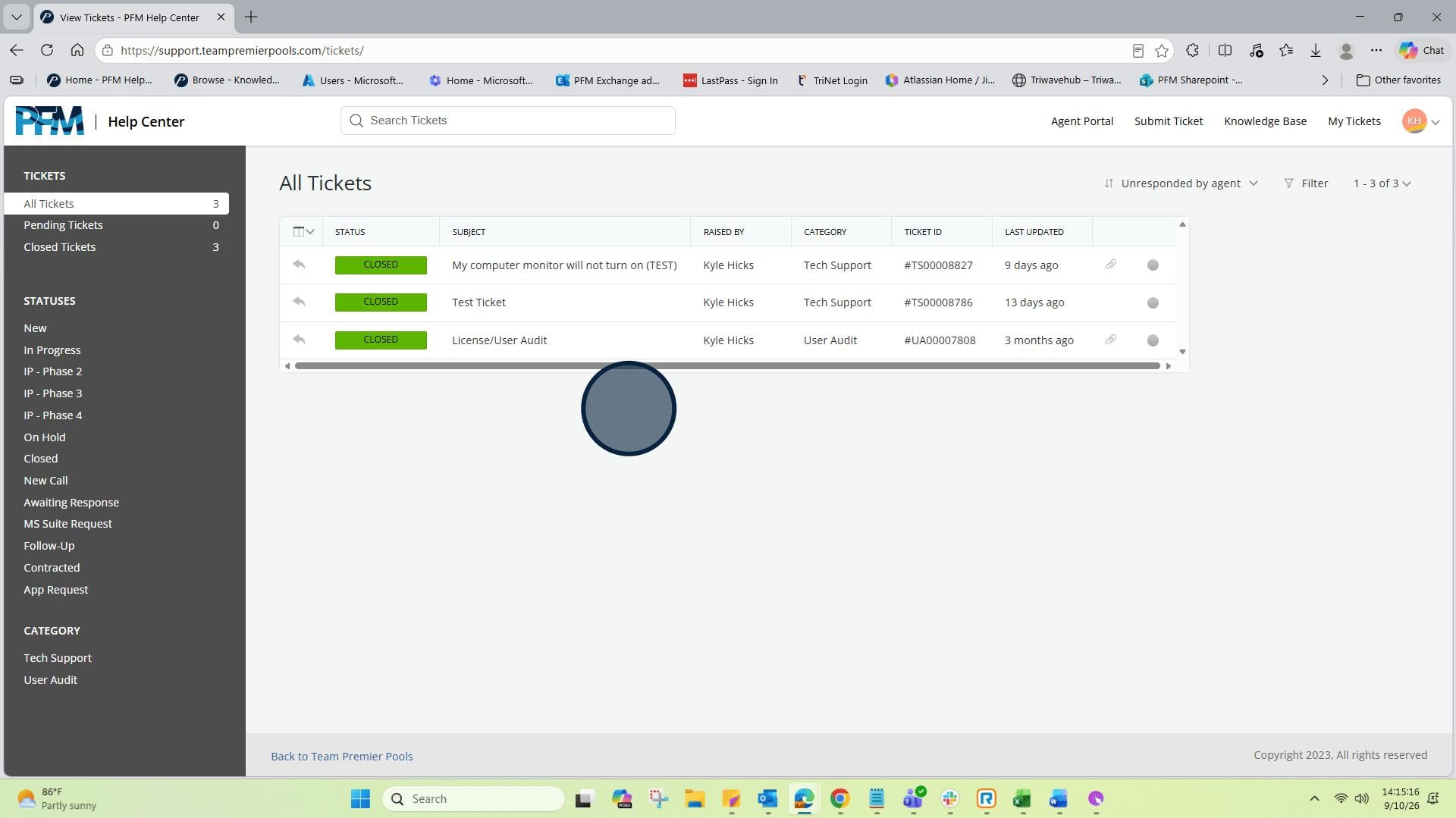
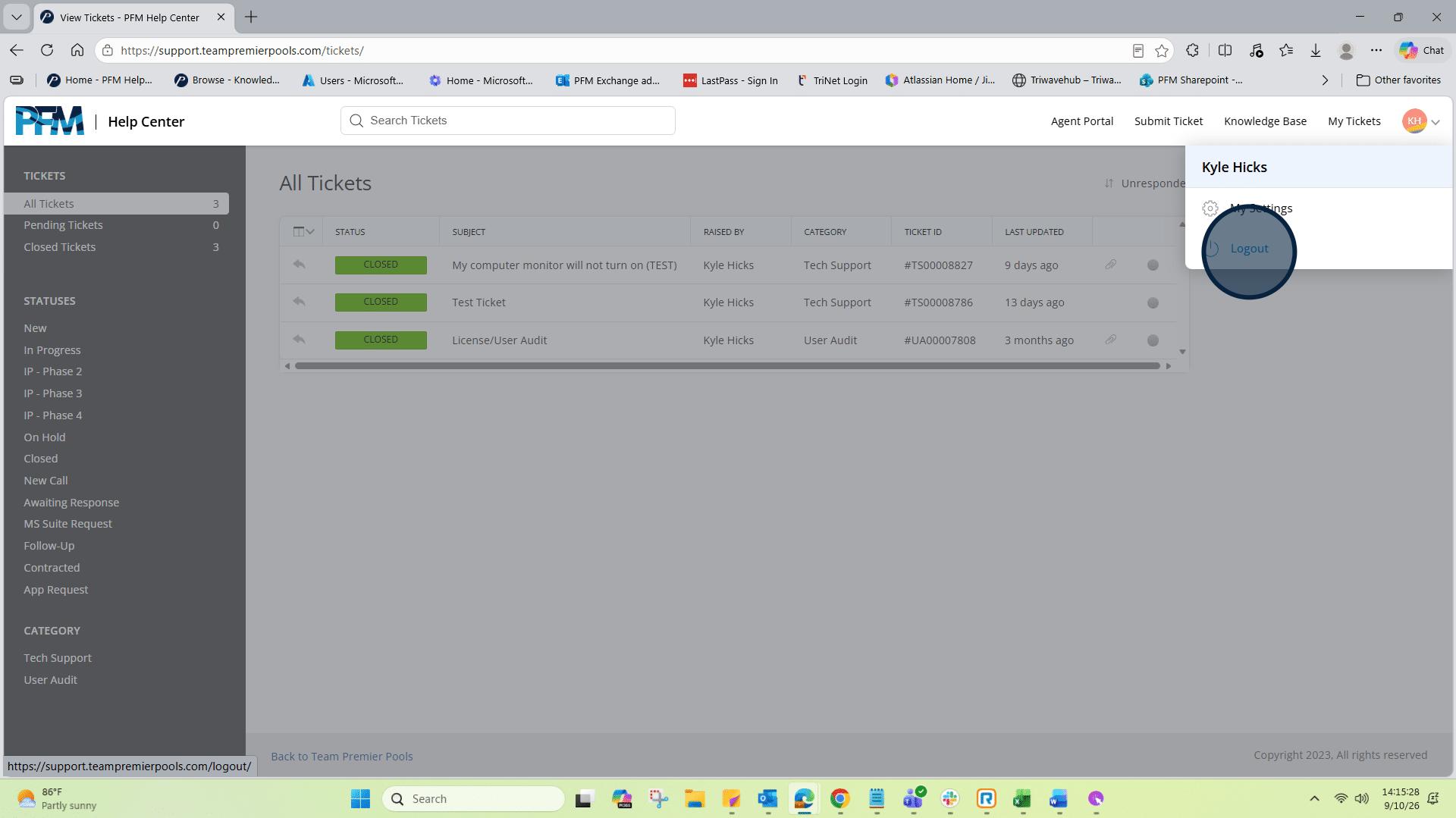
8: To log out, click on the drop down beside your initials.
9: Select "Logout" and it will log you out of Happy Fox.
10: It will then return you back to the PFM Help Center page.