


How do I close/cancel a ticket that I no longer need in Happy Fox?
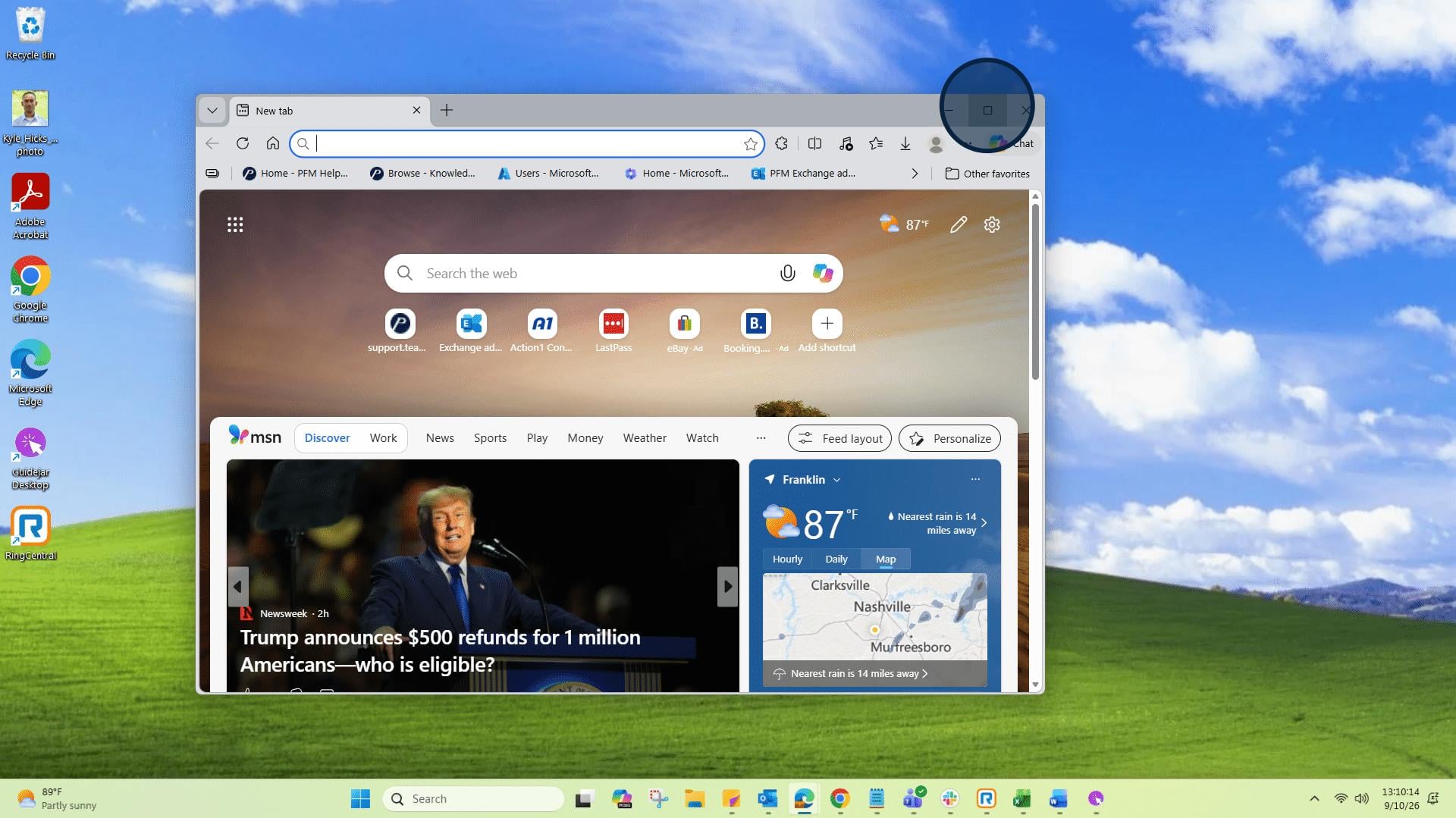
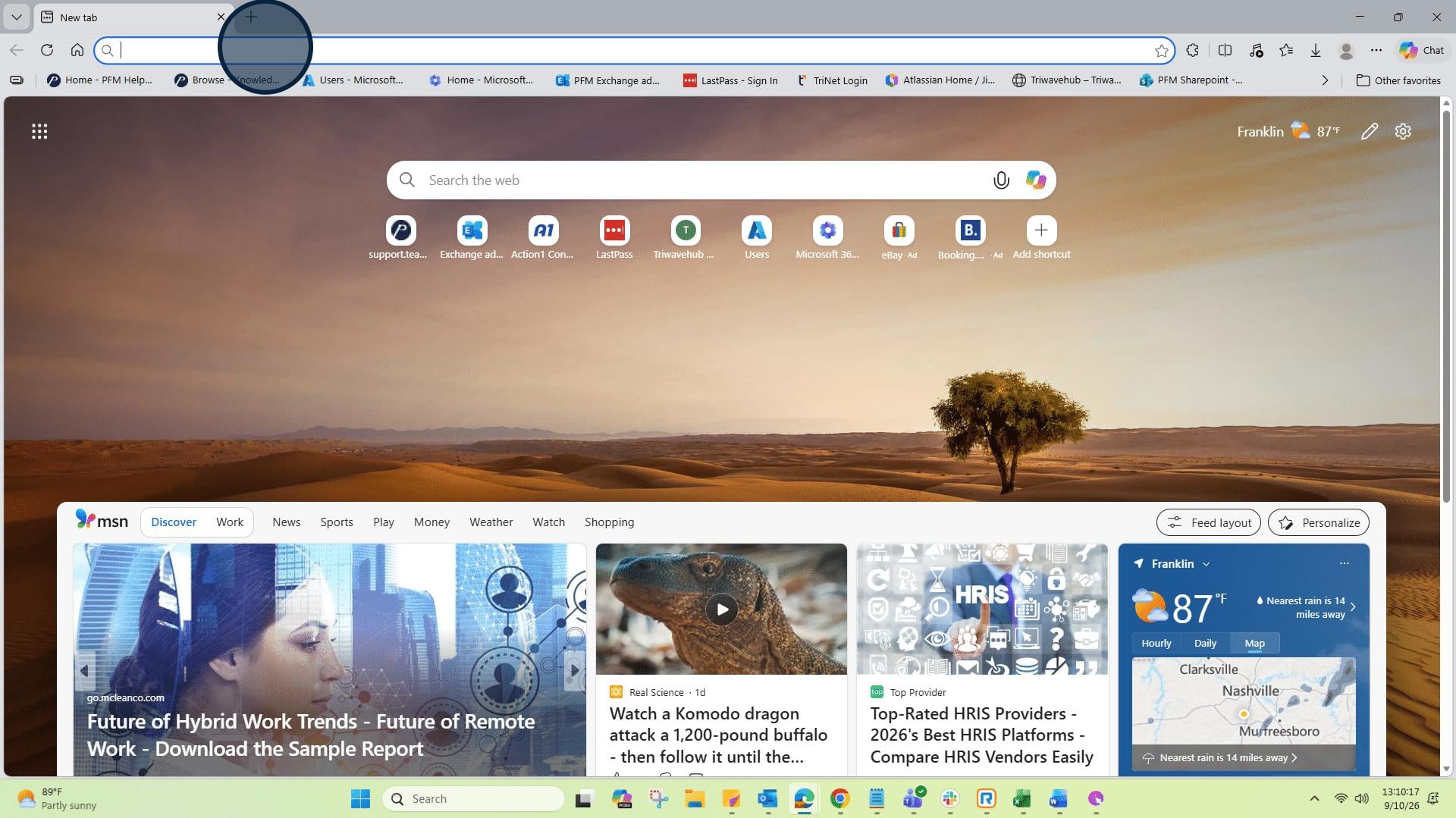
1: Open a new browser window or tab.
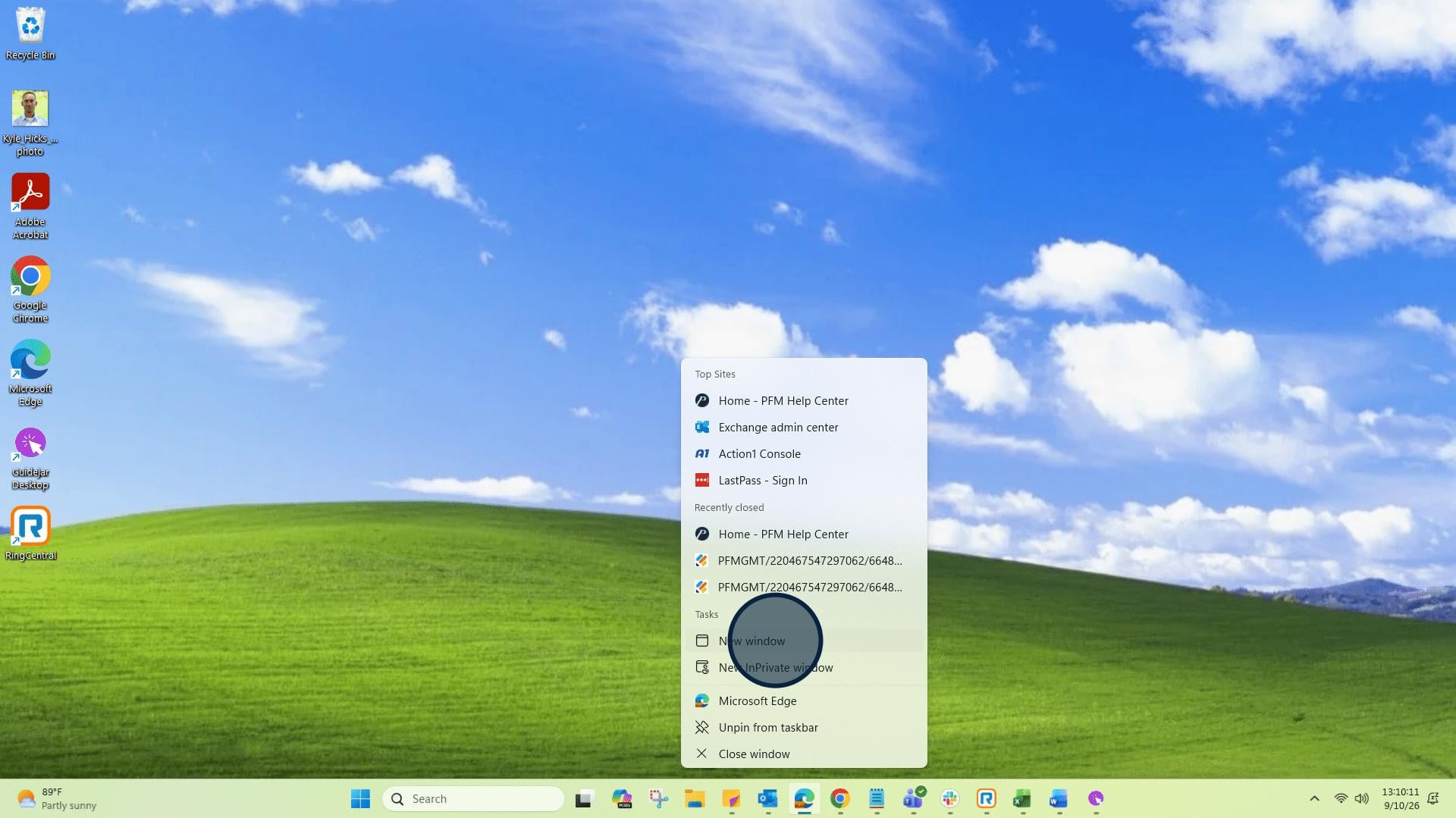
2: In this instance I am using the Edge browser.
3: Click on "Address and search bar"and go to support.teampremierpools.com/home/
4: Click on "Login".
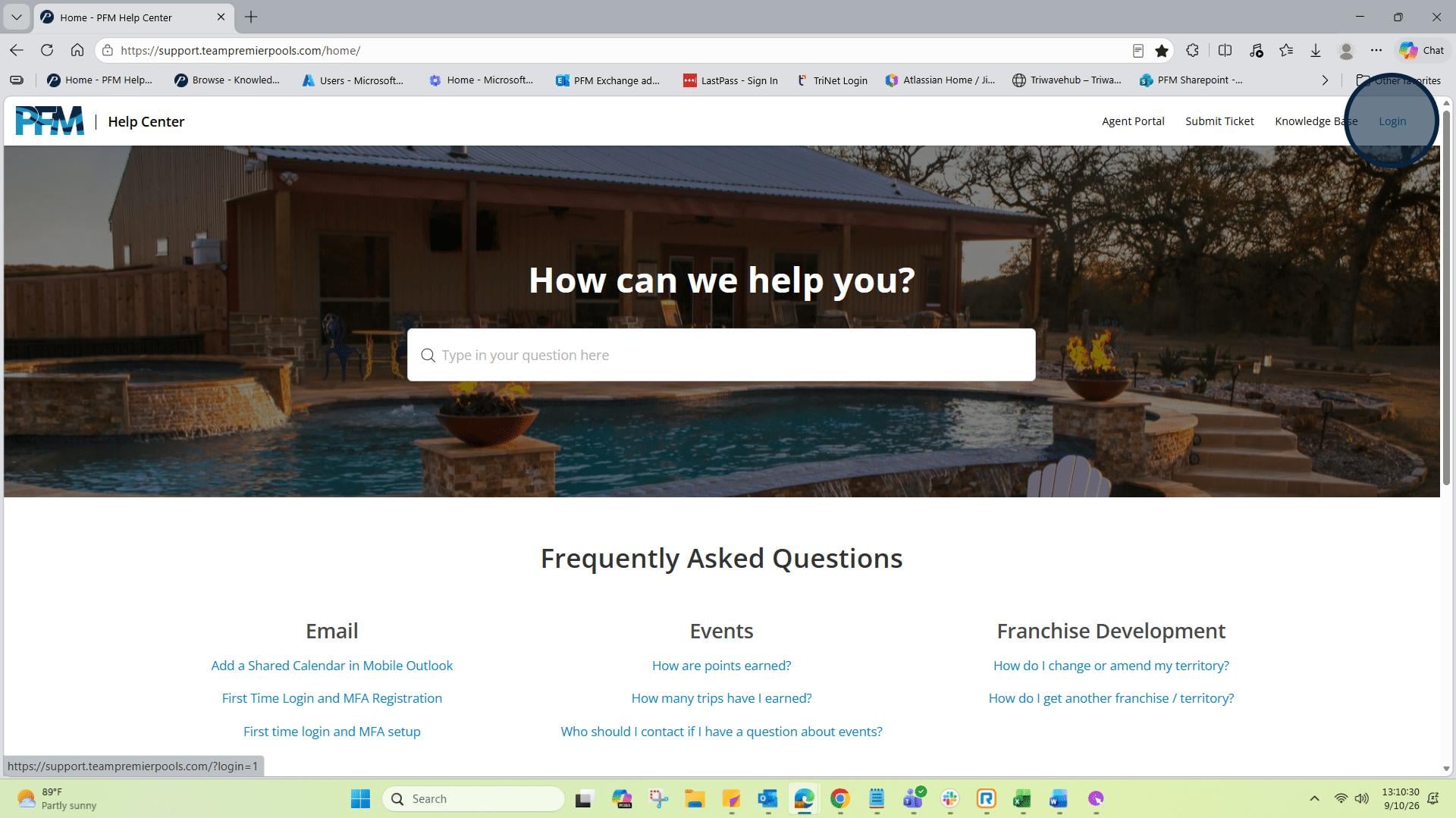
5: You are logged in when you see your initials showing in the circle. Then click on "My Tickets".
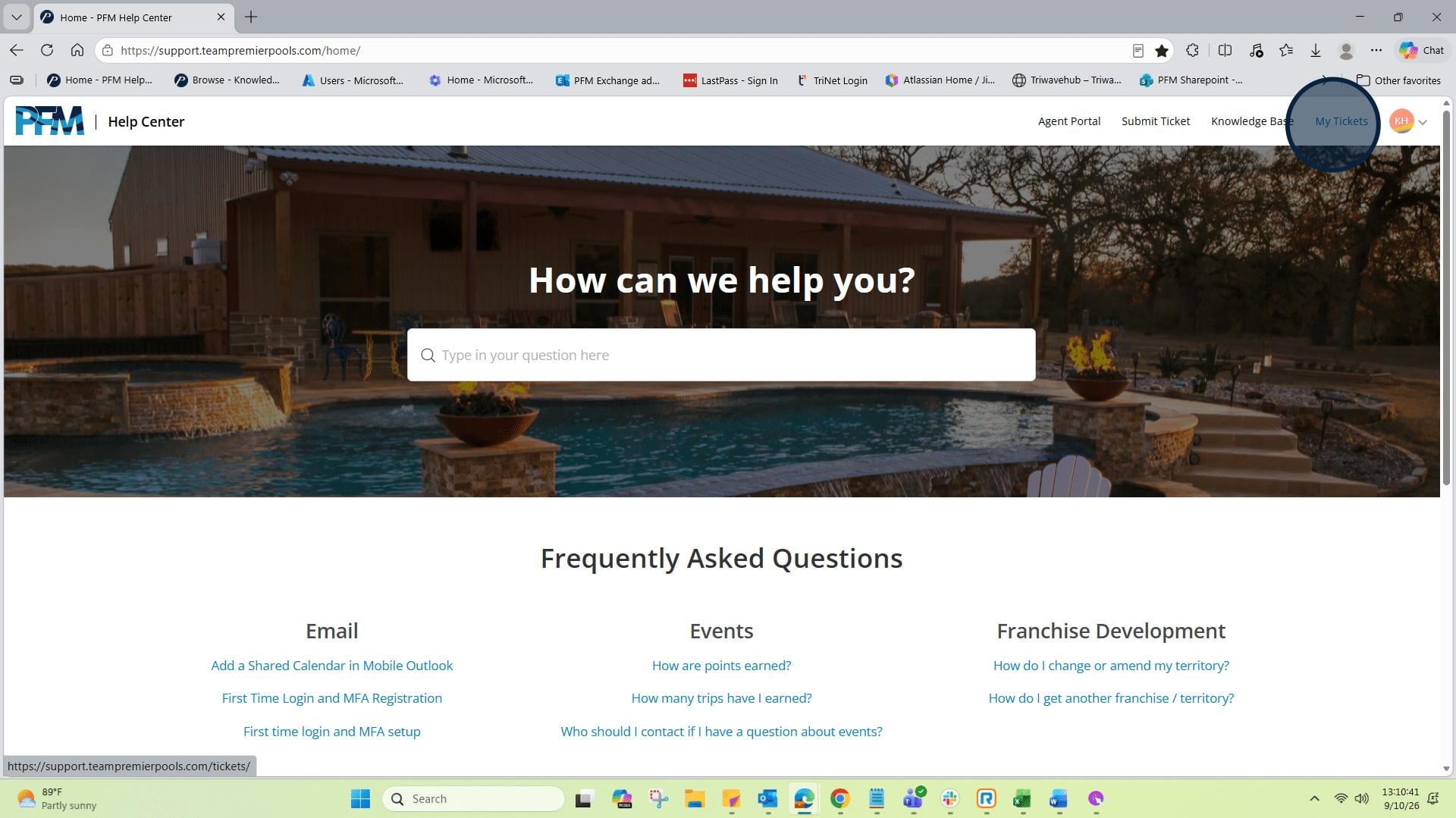
6: Find and click on the ticket that you created and are choosing to close.
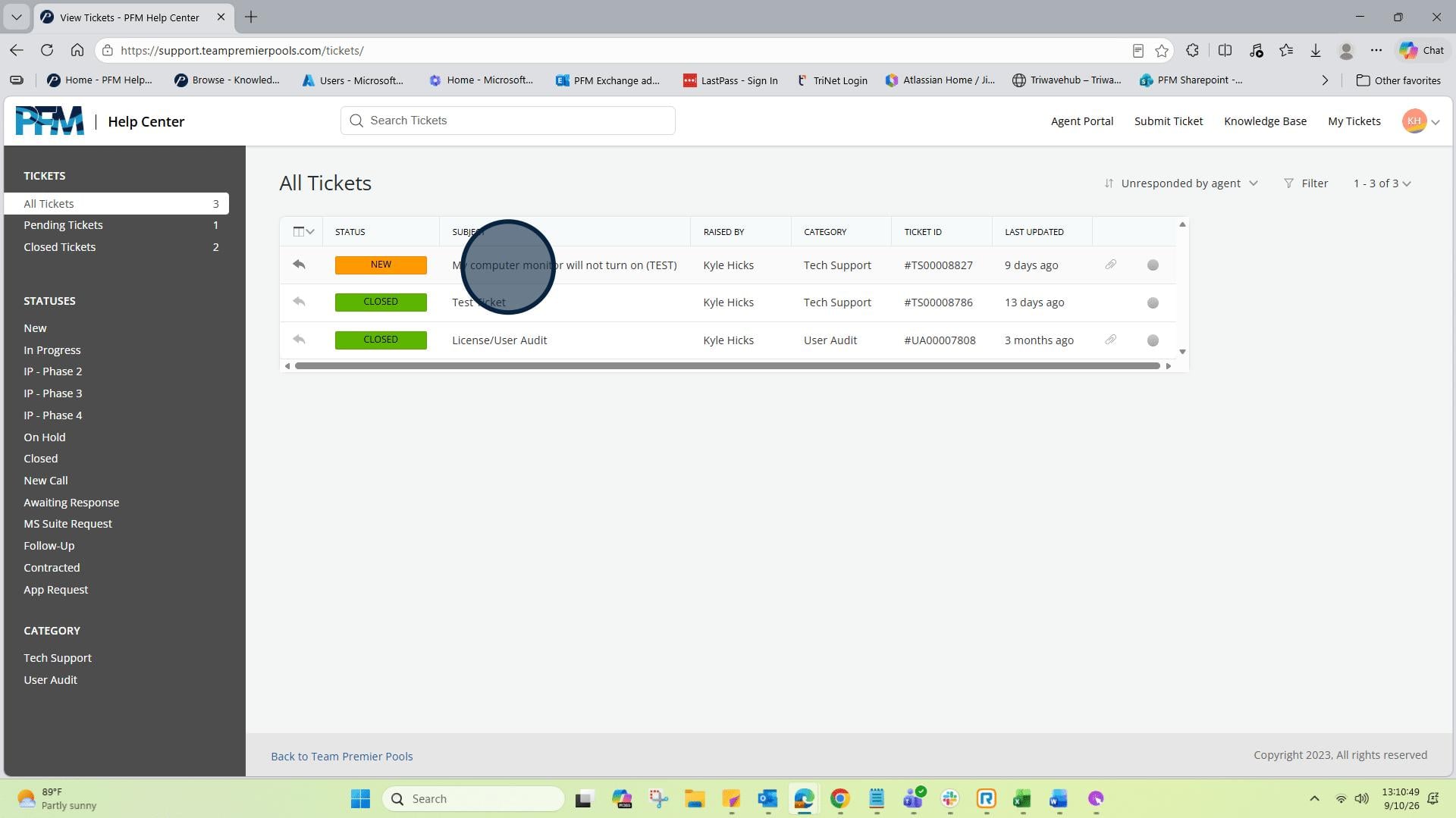
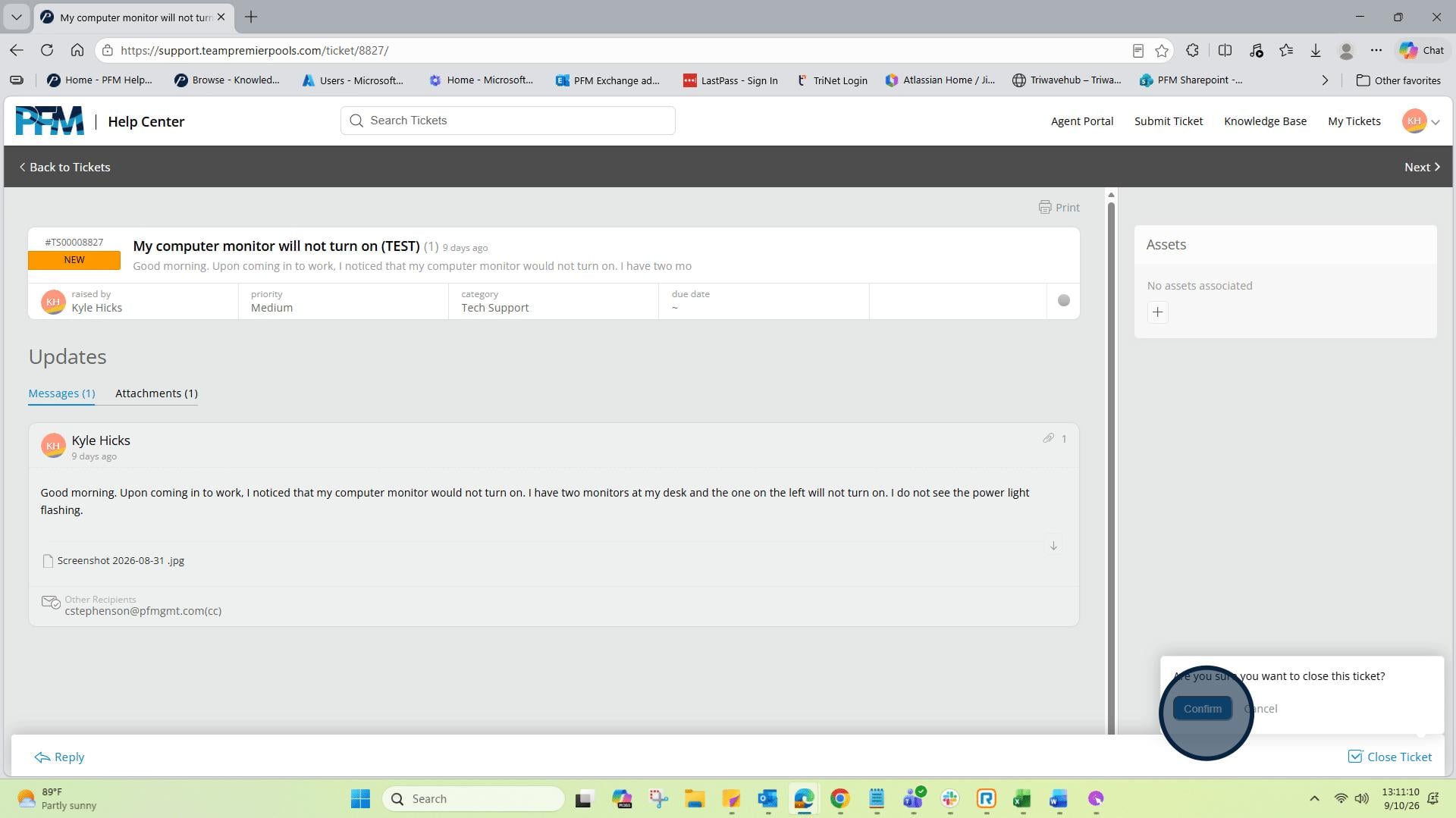
7: The ticket that you previously created is now shown. This is the open view showing it in a "New" status. Now, move to the bottom right corner of the page and select "Close Ticket".
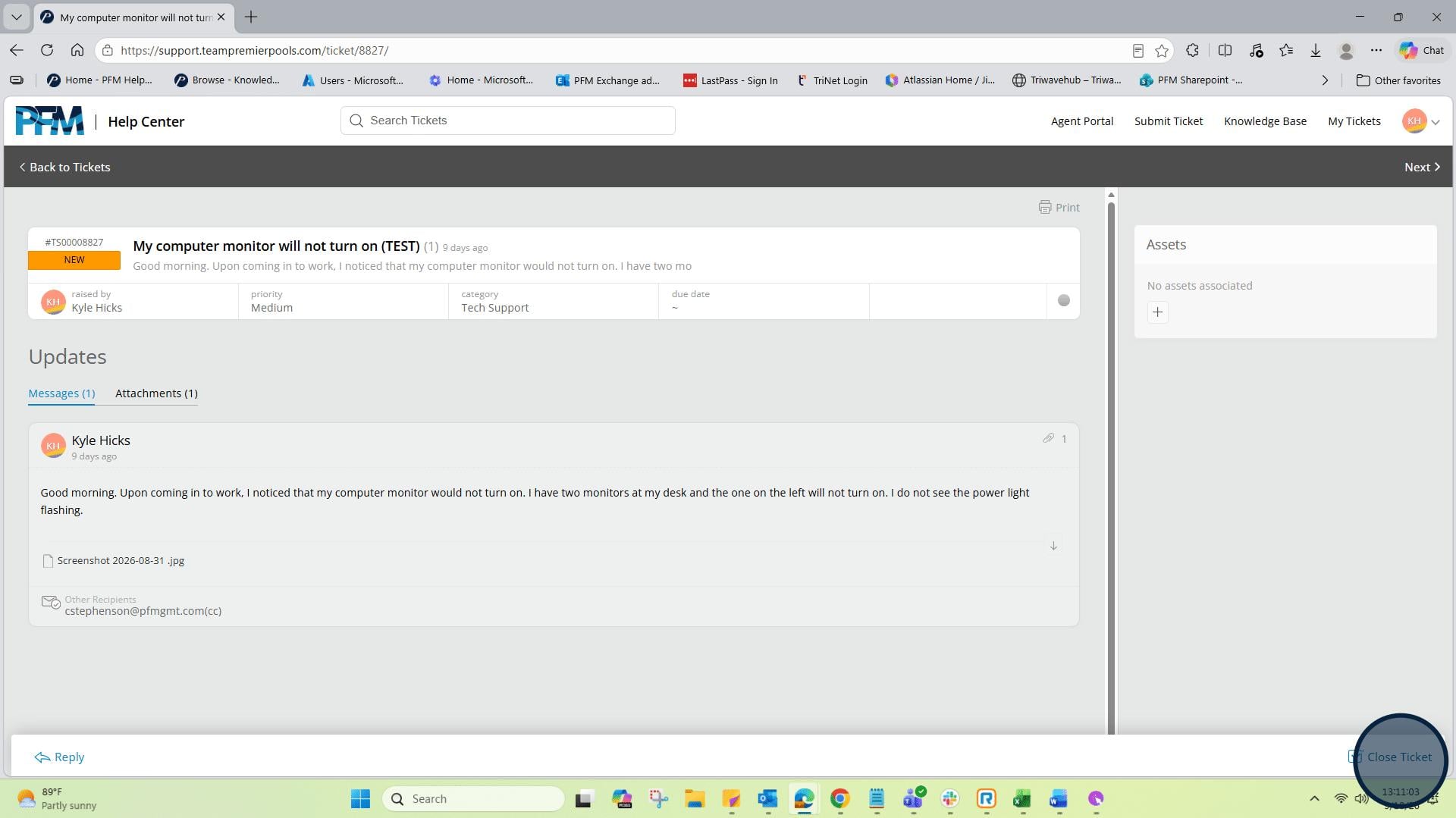
8: Next, you will need to confirm that you want to cancel/close it.
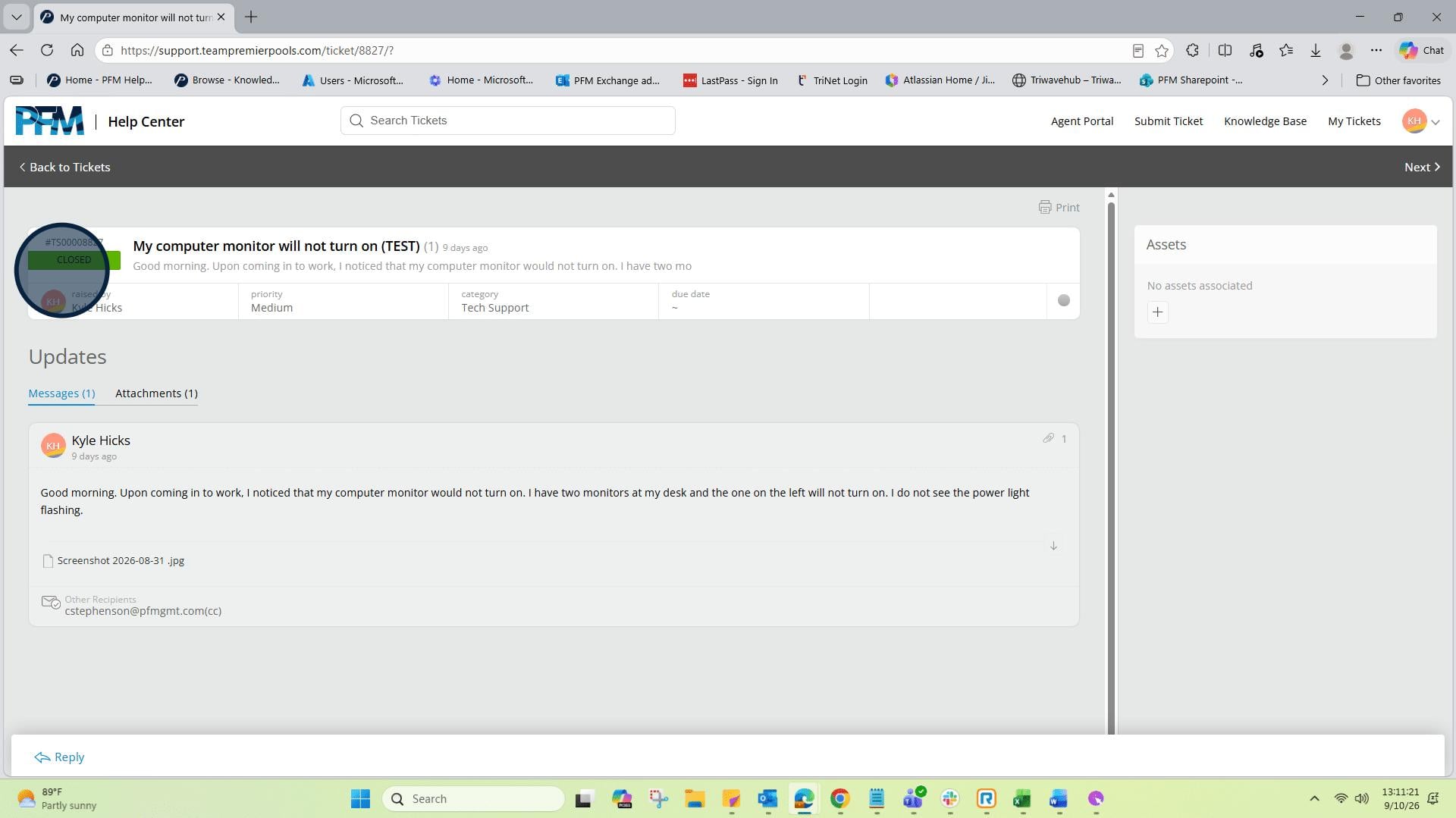
9: Ticket status will now show a green button with a "Closed" status.
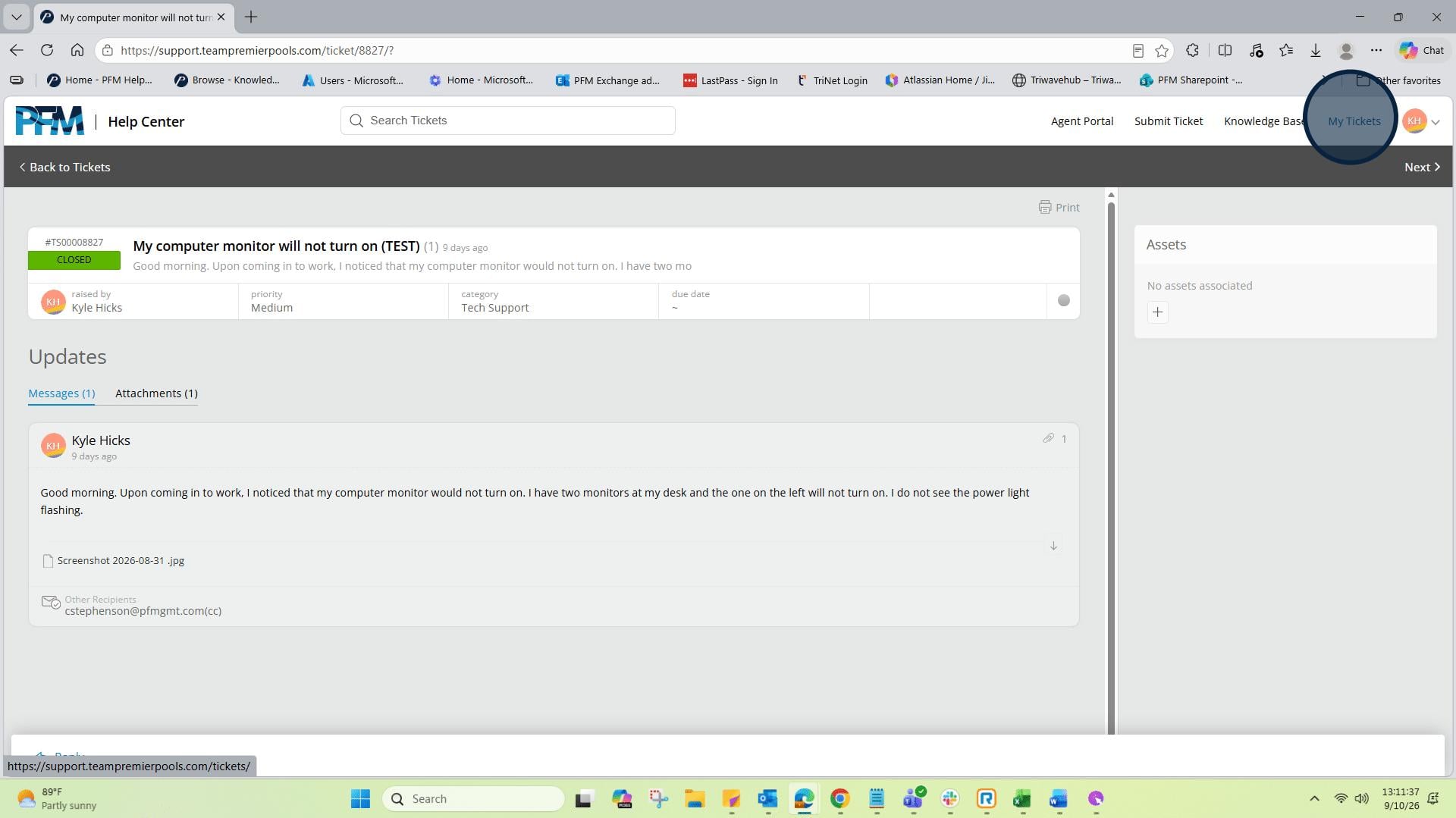
10: Click on "My Tickets"
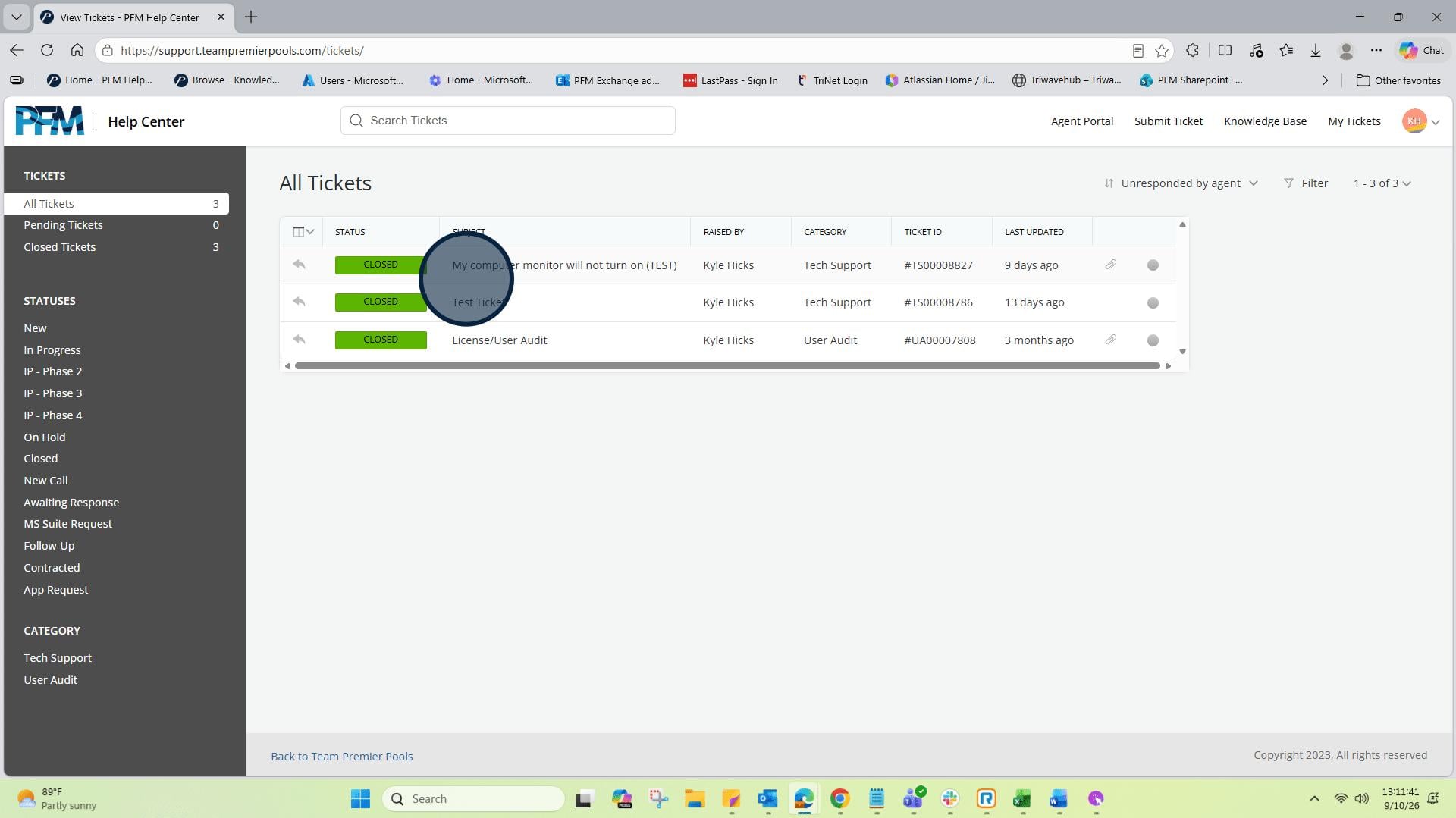
11: Refresh or re-enter your “My Tickets” view and the ticket will now show a green button with a “Closed Status”.
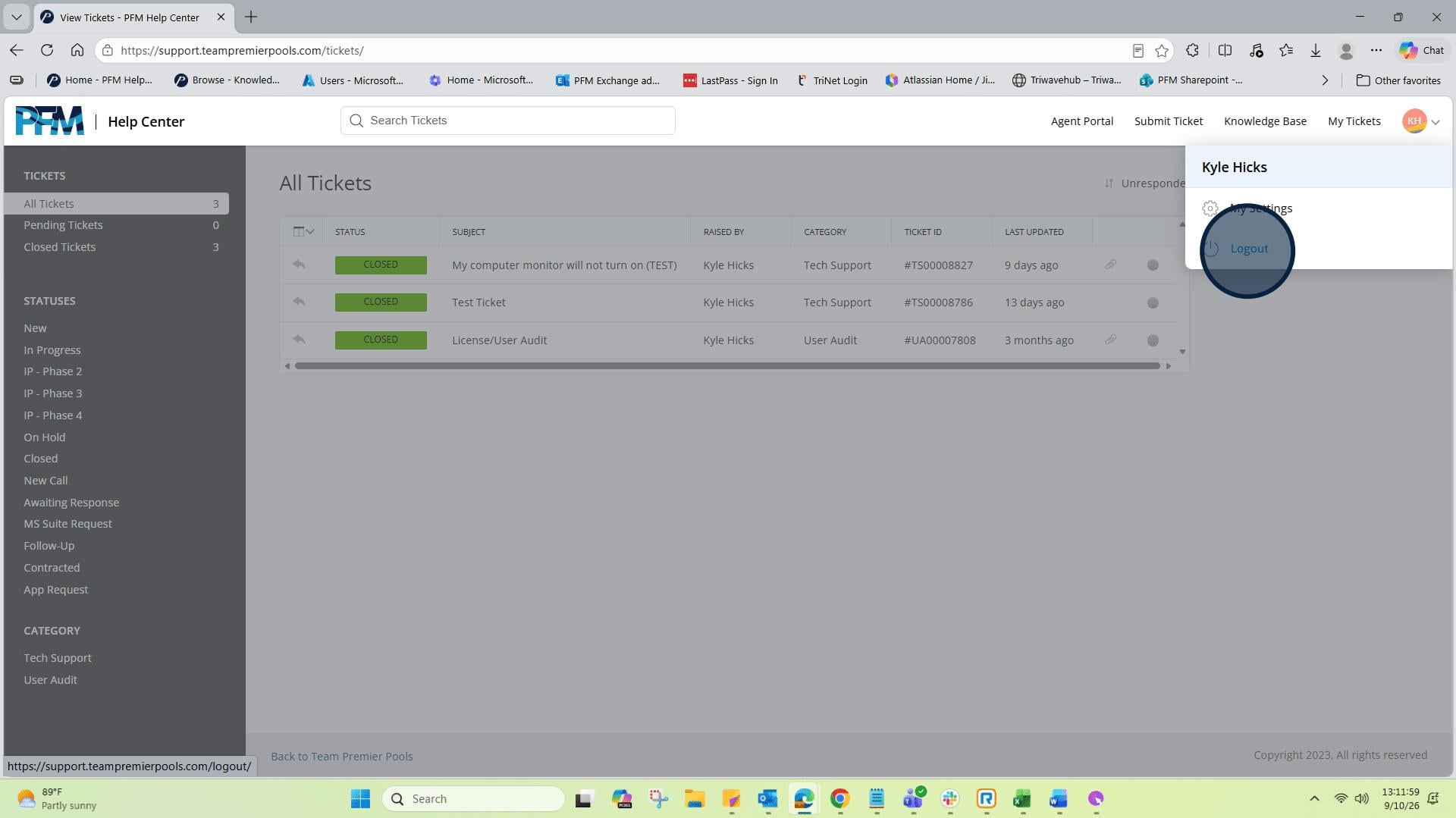
12: Click on "Kyle Hicks profile menu"
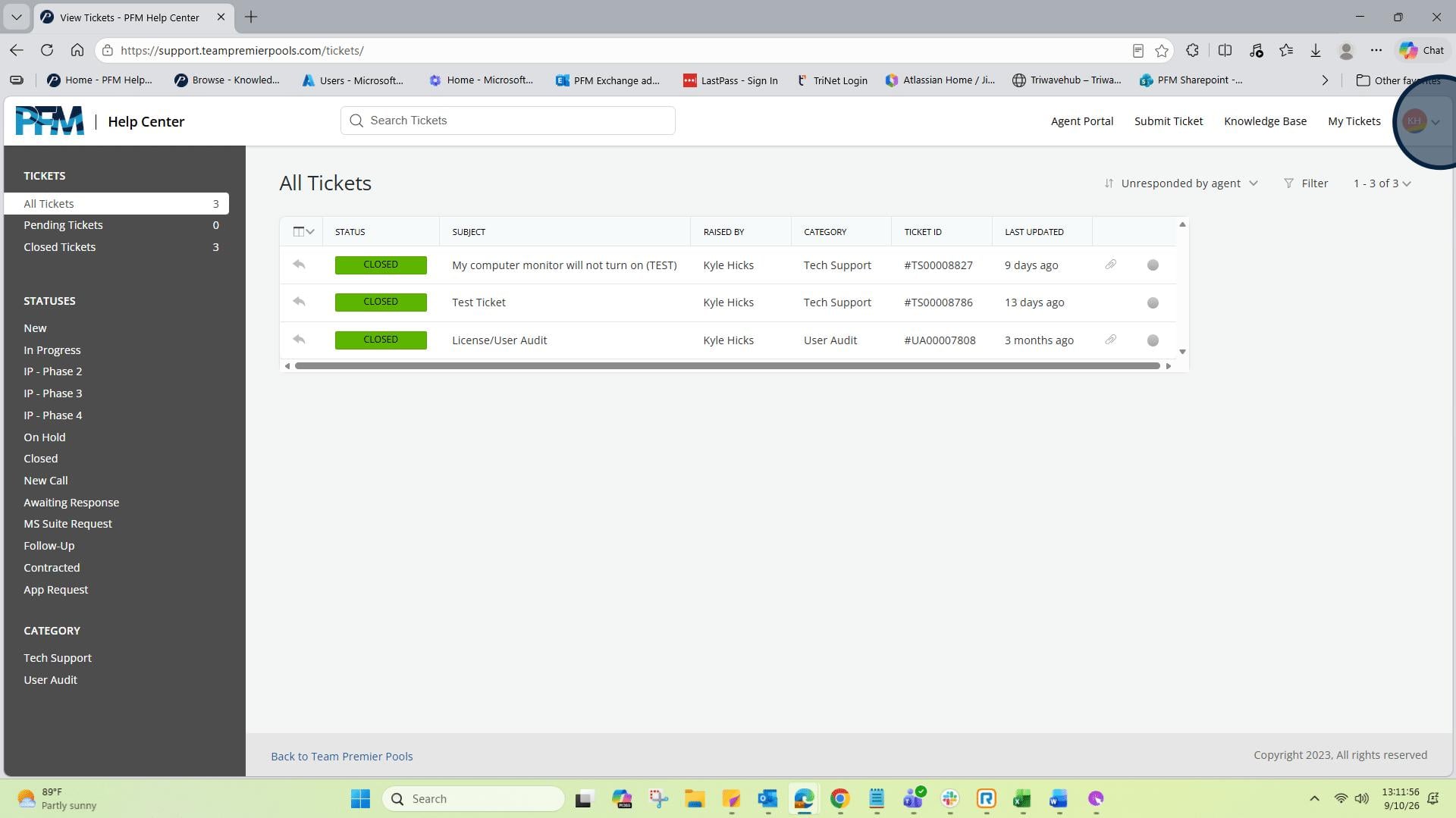
13: Click hereTo exit your tickets, click on the drop down beside your initials.