



how to Create a New Support Request

Nov 03, 2023
 109
109
How to submit a ticket:
From the landing page, click on the words “Submit Ticket” at the upper right side of the page.
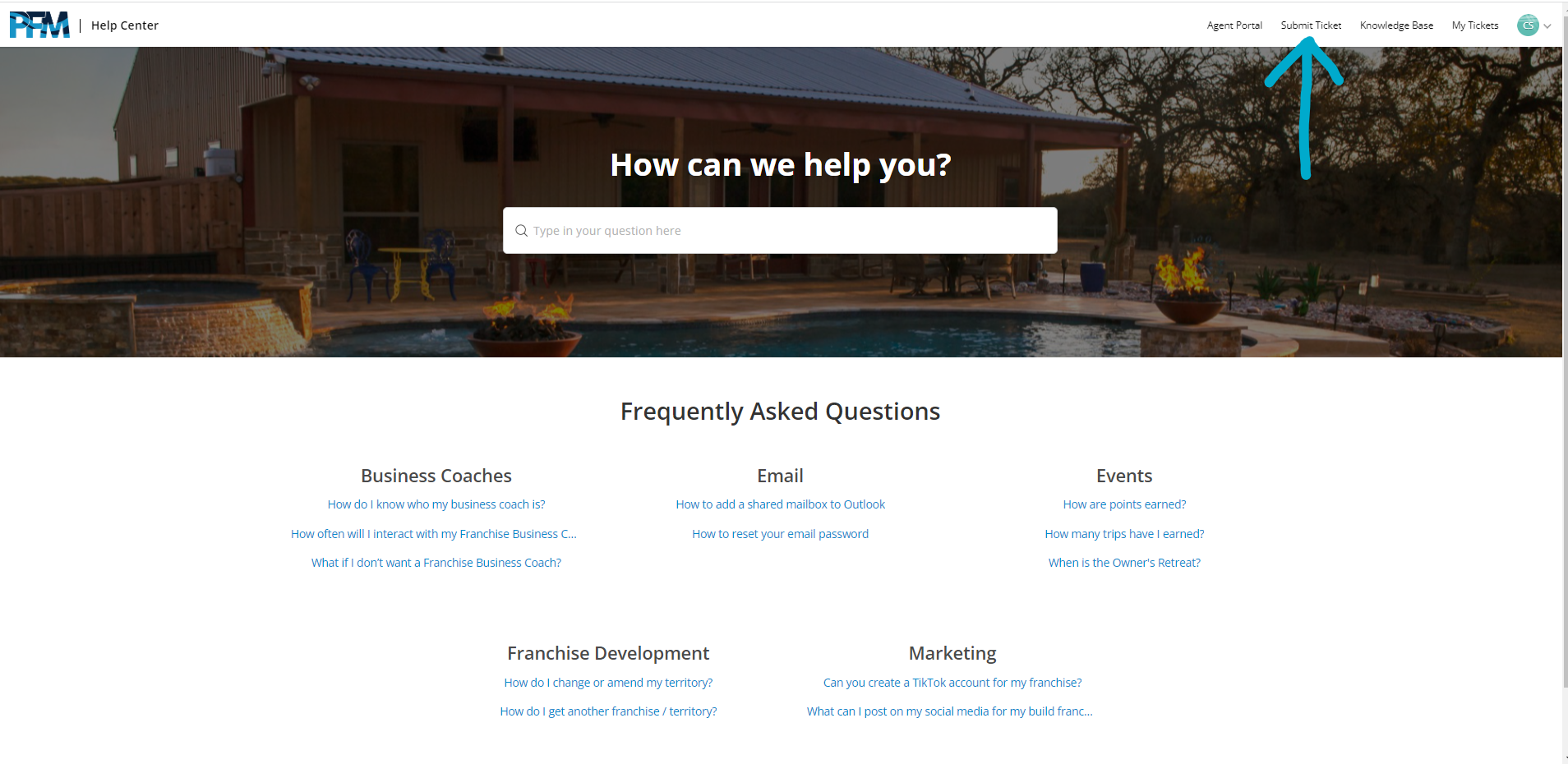
That link will redirect you to a page with a form on it. This is where you will create your support request.
How to fill out the support request:
- Category – To ensure the quickest response time, choose only the most relevant option here.
- Subject – Create a one line summary of your issue and place it here
- Message – In this section you input a highly detailed description of the issue. Please include as much details as you can.
- Drag&Drop files – If you have relevant files to add to the ticket, you can drop them in this box to add them.
A note on details: The more detail included in the initial ticket the better. Sometimes, with enough information we can immediately resolve the problem without having to reach out for additional information.
|
Good One of our sales team, Jim Smith, is not getting emails from Premier Build. He is attached to the Nashville location and his email is [email protected] |
Less Good Notifications aren’t working for Premier Build |

